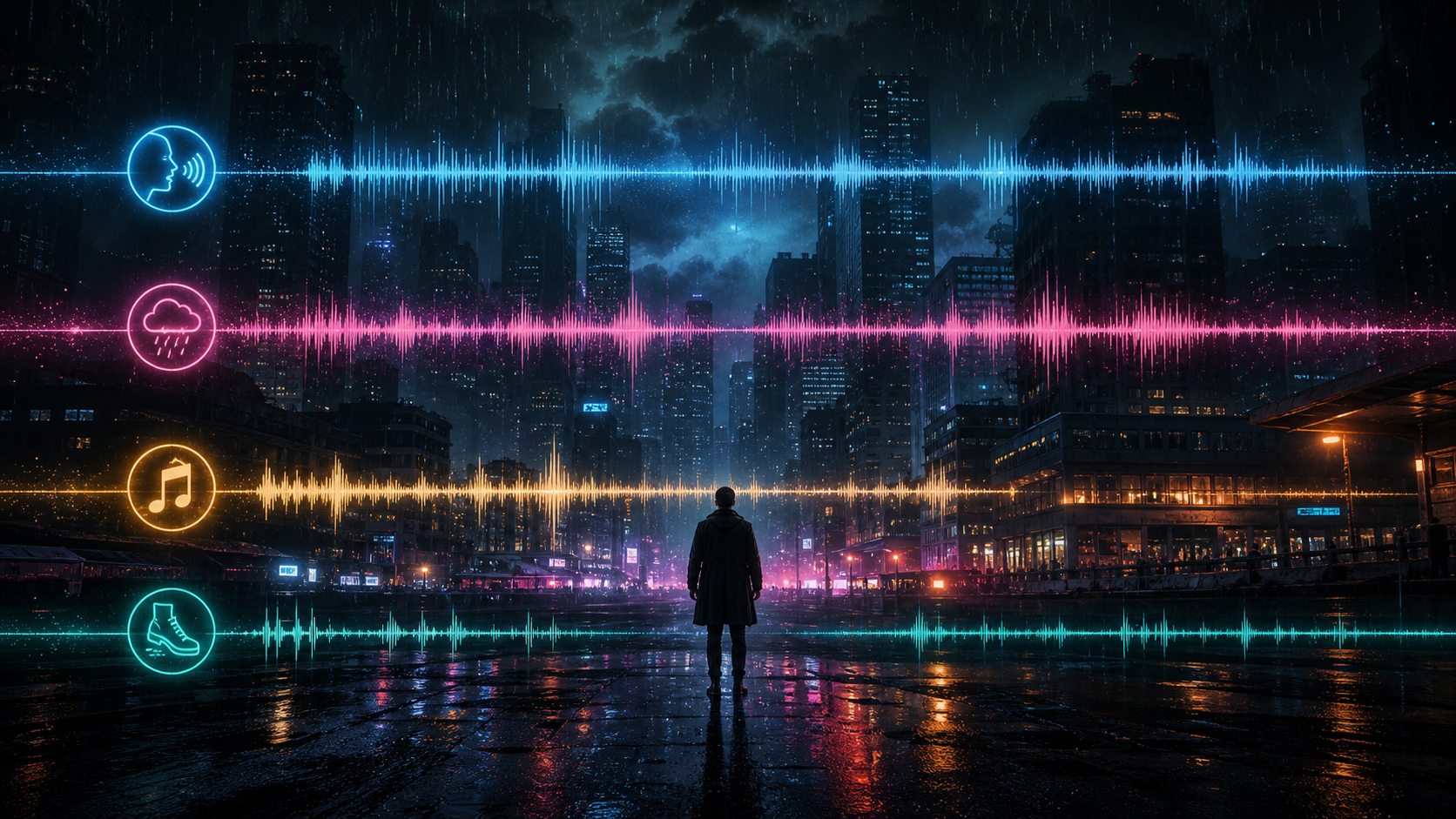
Seed Audio 2.0 production studio with headphones and luminous sound waves
Playable Seed Audio 2.0 examples with reusable prompts

How to use Seed Audio 2.0 with tested prompts and playable results.

Listen to complete sound scenes, inspect the production brief behind each result, and adapt the structure for dialogue, narration, ambience, education, and wellness audio.

6Playable scenes
20sFocused examples
24 kHzWAV previews
4Prompt layers
SHORT ANSWER

The most reliable prompt starts as a compact scene brief.

Direct the output like an audio producer: define who speaks, where the scene happens, how the voice should feel, which ambience is present, and what final sound event should happen.

The examples below are practical starting points for product demos, storytelling, learning, games, and creator workflows.

EXAMPLE RESULTS

Six Seed Audio 2.0 scenes you can inspect.

Every card pairs a playable result with its exact prompt and the decisions worth reusing.

Cinematic dialogue in a rain alley scene
Example 1: Dialogue + ambience + final event

Cinematic dialogue in a rain alley

Short films, audio drama, storyboarding

Audio preview
Audio20s
Prompt
Create a 20-second cinematic audio scene in English. Two investigators whisper in a rain-soaked alley at midnight. Add distant traffic, soft thunder, wet footsteps, a low suspense pad, and one metal door slam at the end. Keep the dialogue clear and natural.
What this example shows
  • Name the setting, delivery, ambience and ending cue.
  • Keep dialogue direction short so the scene has room to breathe.
  • Use one ordered effect instead of a long sound list.

Podcast welcome segment scene
Example 2: Narration + studio tone + intro bed

Podcast welcome segment

Podcast intros, branded explainers, creator videos

Audio preview
Audio20s
Prompt
Create a 20-second podcast welcome for a calm technology show. Use one warm host voice, light studio room tone, a soft synth bed, and a clean broadcast-style ending. Keep the speech friendly, natural, and easy to understand.
What this example shows
  • Use one speaker when voice clarity matters.
  • Describe room tone and music separately.
  • Ask for a clean ending when the result will be edited.
Night forest ambience scene
Example 3: No speech + seamless ambience

Night forest ambience

Games, XR scenes, background atmospheres

Audio preview
Audio20s
Prompt
Create a 20-second looping fantasy forest ambience with no speech. Use night insects, soft wind through leaves, distant owls, a faint magical shimmer, and one small branch snap near the middle. Keep the loop calm and usable in a game scene.
What this example shows
  • Say no speech when you want pure ambience.
  • Describe the loop purpose to avoid a dramatic ending.
  • Place one small event in the middle to test timing.
Audiobook narration scene
Example 4: Narration + subtle environment

Audiobook narration

Audiobooks, story samples, voice direction tests

Audio preview
Audio20s
Prompt
Create a 20-second audiobook scene with one clear narrator. The setting is a quiet train at sunrise. Add very subtle carriage room tone and a soft rail rhythm, but keep the voice intimate, steady, and easy to hear.
What this example shows
  • Use subtle ambience when narration is the product.
  • Give one physical scene cue instead of a full plot.
  • Ask for steady delivery when you do not want dramatic acting.
Educational sound explainer scene
Example 5: Teacher voice + demonstration tones

Educational sound explainer

Learning content, classroom demos, micro-courses

Audio preview
Audio20s
Prompt
Create a 20-second educational explainer for students. A friendly teacher explains that sound is vibration moving through air, water, or solid objects. Add light classroom ambience and two gentle demonstration tones.
What this example shows
  • State the teaching role and intended audience.
  • Limit demonstration sounds to a small count.
  • Use gentle when you want to avoid harsh effects.
Wellness breathing guide scene
Example 6: Calm guide + warm pad + bell

Wellness breathing guide

Meditation, breathing exercises, wellness prototypes

Audio preview
Audio20s
Prompt
Create a 20-second wellness audio scene. Use a calm guide voice, a soft breathing pace, quiet room tone, a warm ambient pad, and one gentle bell at the end. Keep the result relaxing, minimal, and clean.
What this example shows
  • Use minimal and clean for app-ready audio.
  • Add one ending marker such as a bell.
  • Avoid stacking too many music adjectives.
PROMPT PATTERN

Use a scene brief, not a keyword list.

Strong Seed Audio 2.0 prompts use the same four decisions.

1. Output type

Name the format: dialogue, podcast, narration, ambience, lesson, or guide.

2. Voice direction

Define speaker count, tone, pacing, emotion, and clarity.

3. Acoustic setting

Describe room tone, weather, crowd, vehicle, classroom, or outdoor ambience.

4. Music and events

Add one music bed and one to three ordered sound events.

WORKFLOW

Run a focused Seed Audio 2.0 test.

Use the first generation as a diagnostic pass, then revise one layer at a time.

1

Start text-only

Use a 15 to 25 second target before adding reference files.

2

Listen for the biggest issue

Check voice clarity, ambience, music intensity, and event timing separately.

3

Rewrite one layer

Change only the speaker, ambience, music, or effects before rerunning.

4

Prepare the final clip

Download the best draft, trim exact timing, and save the prompt.

GENERATION FAILURE CHECKS

Common reasons a generation can fail.

Check the input before changing the whole creative direction.

Reference audio is too long

Keep each uploaded reference at 30 seconds or shorter.

The prompt is overloaded

Reduce competing voices, music moods, and effect lists.

Named people or protected characters

Describe the role and vocal qualities generically instead.

FAQ

Practical Seed Audio 2.0 questions.

What is the best way to start?+

Begin with one short text-only scene that defines a speaker, setting, ambience, music direction, and one ending event.

Can Seed Audio 2.0 generate more than speech?+

Yes. One prompt can direct narration, ambience, music beds, Foley-style effects, and timed sound events.

Does requested duration always match?+

Treat duration as guidance and trim the final clip when exact timing matters.

What if the output sounds too busy?+

Keep one voice layer, one ambience bed, one music direction, and one or two important effects.

When should I use reference audio?+

Start text-only. Add reference audio after you know which voice, pacing, or texture you want to preserve.

READY TO CREATE?

Start with one tested prompt, then adapt the scene.

Change the setting and voice direction first. Add references only when the core result works.

Try Seed Audio 2.0 →