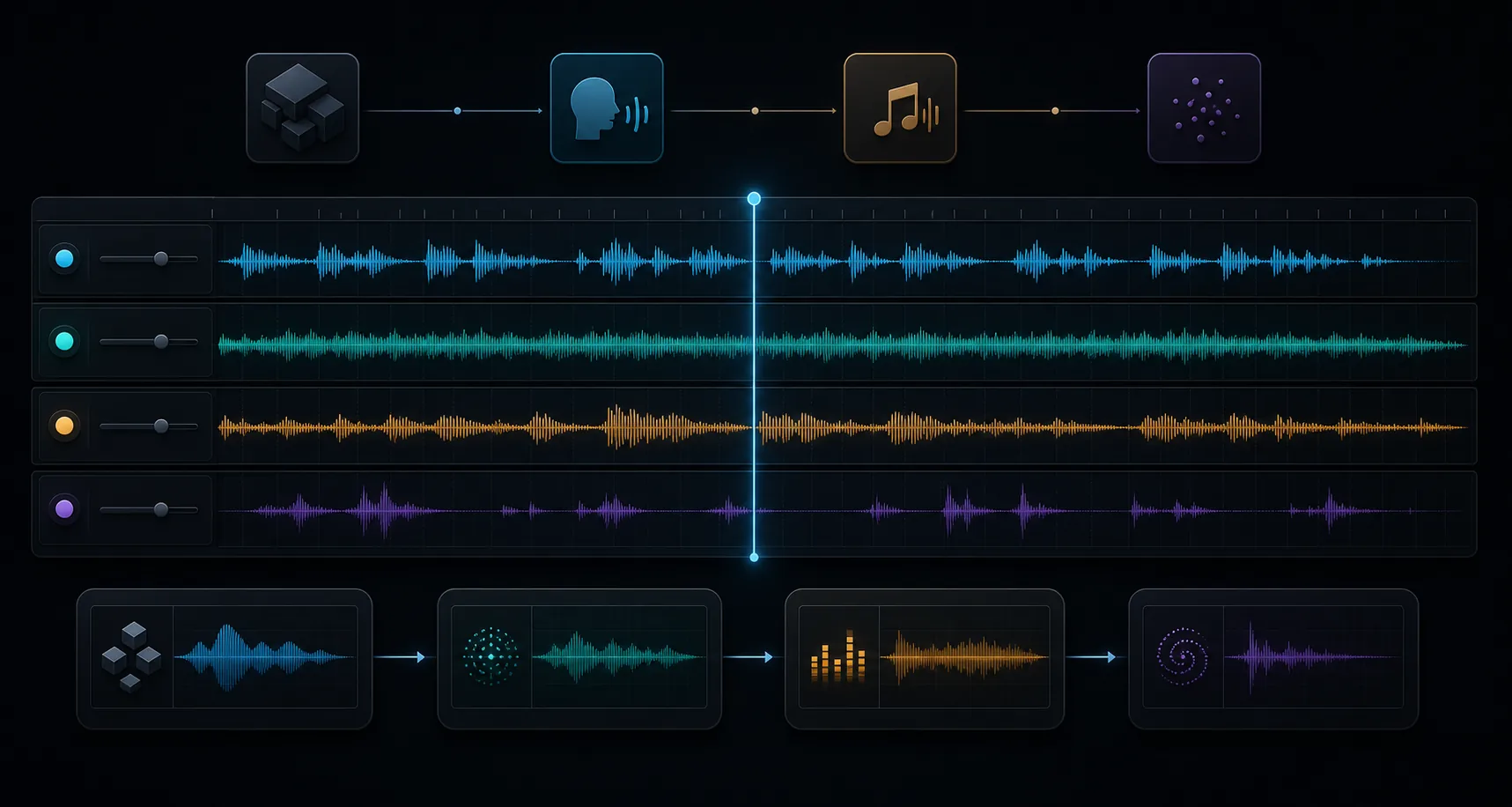
Turn a creative idea into instructions Seed Audio 2.0 can follow. Structure the scene, map references, direct each voice, and place music, ambience, and effects in playback order.
Build Seed Audio 2.0 Prompts as Timelines, Not Tag Lists
Seed Audio 2.0 can combine speech, character delivery, ambience, music, and foley-style events. Guide the mix as a short production brief in playback order: first the scene, then the speakers, then the sound layers, then the ending.
TEMPLATES
Start with a Seed Audio 2.0 Prompt Template, Then Simplify
✣ T2A template
Create a [duration] [format] in [language].
Scene: [place, time, mood, audience].
Voice: [speaker count, traits, emotion, pace].
Dialogue: "[exact words or conversation outline]".
Ambience: [room tone, weather, crowd, environment].
Music: [style, instruments, intensity, entry or fade].
Sound effects in order: [event 1], [event 2], [ending cue].
Keep the result [clean / cinematic / broadcast-ready].
✣ TA2A template
Use @audio1 for [speaker or voice trait].
Use @audio2 for [second speaker or style reference].
Create a [duration] [format] in [language].
Speaker map: [speaker A follows @audio1], [speaker B follows @audio2].
Scene: [place, mood, purpose].
Delivery: [emotion, rhythm, accent, pauses].
Dialogue: "[lines or conversation structure]".
Layers: [ambience], [music bed], [sound effects in order].
Keep voices consistent and speech easy to understand.
PROMPT FORMULA
Build the Prompt from Four Key Decisions
{}
Scene
Name the format, setting, audience, language, mood, and rough length before writing dialogue.
◉
Voice
Define speaker count, vocal texture, accent, emotion, pacing, and the clarity priority.
◷
Timeline
Write the Seed Audio 2.0 prompt in playback order so speech, ambience, music, and events do not compete.
▱
Layers
Add one ambience bed, one music direction, and only the sound effects that matter to the scene.
INPUT MODES
Choose the Right Prompt Mode Before You Write
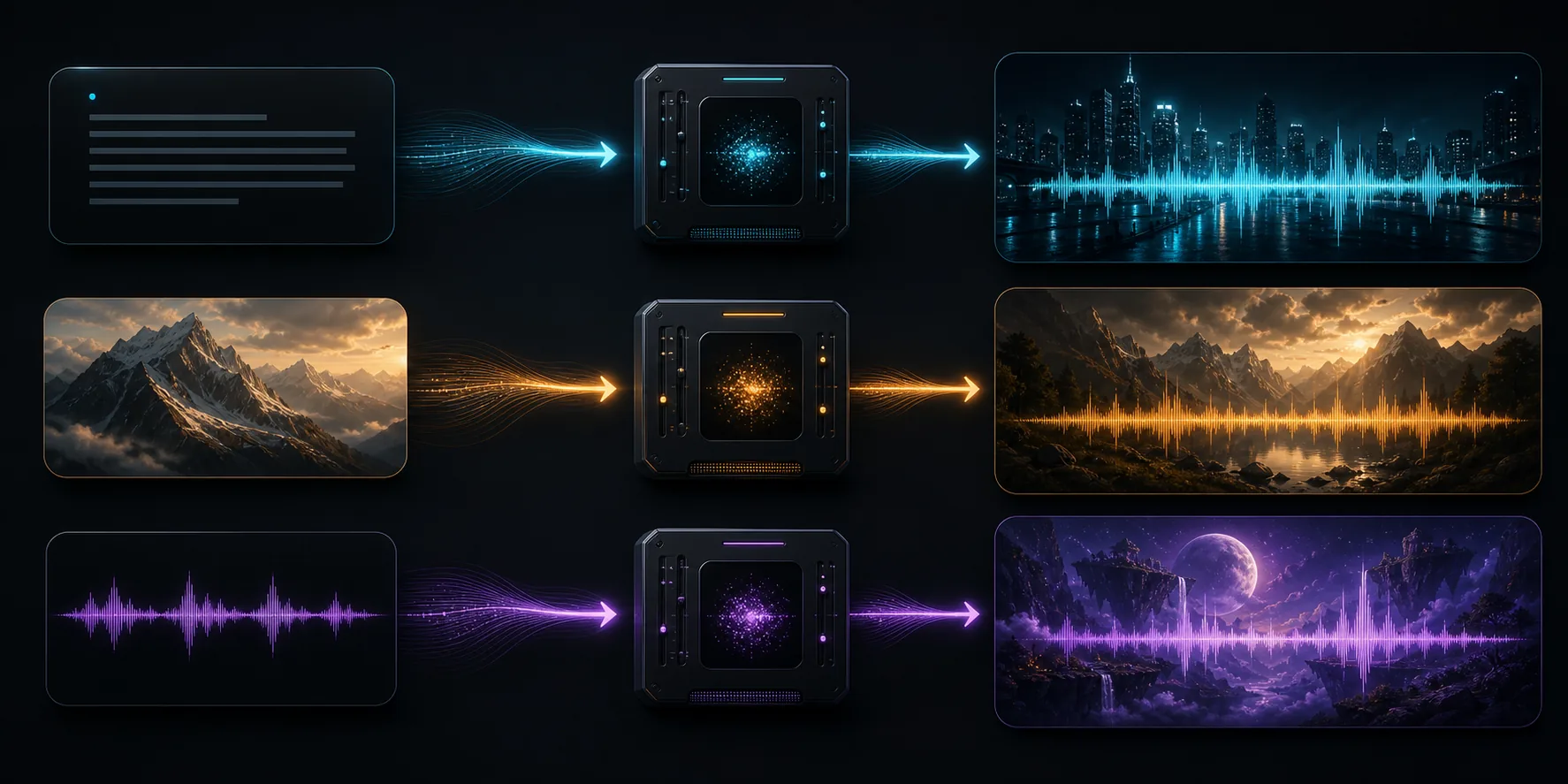
The content may look similar, but the job is different. T2A asks Seed Audio 2.0 to invent a voice and scene. TA2A asks it to follow reference signals while still obeying your written direction.
▧
T2A: text or image to audio
Use this when you want Seed Audio 2.0 to invent the voice and acoustic scene from a written brief, optionally guided by one image reference.
♬
TA2A: text plus audio references
Use this when voice identity, pacing, emotional texture, or multi-speaker consistency matters. Map every reference clearly inside the prompt.
WORKED EXAMPLE
Write the Prompt in the Order the Listener Hears It
SEED AUDIO 2.0 / CINEMATIC PODCAST INTRO
“Create a 25-second cinematic podcast intro in English. Begin in a quiet midnight radio studio with soft rain against the window. A warm, calm female host says, ‘Every city has a frequency after dark.’ Add a low analog synth pulse after the final word, then distant traffic, one tape-button click, and a clean two-second fade.”
01 Scene02 Voice03 Exact line04 Layers05 Ending
LAYER TIMELINE
Place Music, Ambience, and Effects on the Timeline
Time words help Seed Audio 2.0 understand priority. Use them to stage the mix, not to micromanage every frame.
0–5s
Opening cue
Establish room tone, weather, a phone buzz, door movement, or a simple musical entrance.
5–25s
Main speech
Place dialogue or narration here with the most important voice and emotion directions.
25–40s
Scene movement
Add one or two story-supporting sound events without covering the voice.
Final beat
Exit
End with a fade, resolved chord, bell, door, breath, button sound, or another clean cue.
EXAMPLE PROMPTS
Three Reusable Seed Audio 2.0 Prompt Structures
Use these as structures, then replace the scene, speakers, references, and sound events with your own creative direction.
♪ Dialogue + phone texture + suspense bed
Cinematic phone call
Create a 45-second cinematic crime scene in English. Start with a quiet phone vibration, distant rain, and a low suspense pad. Detective A speaks in a restrained, tired voice, close to the microphone. Detective B answers through a slightly distorted phone line with a calm but evasive tone. Keep the dialogue clear. Add two small footsteps and one car brake near the end.
♪ TA2A + two hosts + product rhythm
Reference-guided livestream
Use @audio1 for Host A and @audio2 for Host B. Create a 60-second energetic livestream shopping segment in English. Host A is bright, fast, and persuasive. Host B is warmer and reacts with short supportive lines. Add very light upbeat background music, subtle package handling sounds, and a clean call-to-action ending.
♪ T2A + one image reference + character voice
Image-based fantasy narrator
Use @image as the scene reference. Create a 35-second fantasy narration in English. The speaker is a serious middle-aged astrologer with slow, ceremonial delivery and a deep resonant voice. Add quiet rain outside a stone observatory, one soft page turn, and a distant bell. Keep the music minimal and mysterious.
COMMON MISTAKES
Simplify the Prompt Before Adding More Detail
×
Listing too many layers
Five music moods, ten effects, and several character arcs usually create a muddy mix. Reduce the layer count first.
×
Forgetting the reference map
For TA2A, say exactly which character or style should follow @audio1, @audio2, or @audio3.
×
Writing a keyword cloud
Seed Audio 2.0 works better when the prompt reads like a compact production brief in playback order.
×
Overacting the emotion
Extreme emotional adjectives can make delivery less natural. Begin with one controlled cue.
×
Treating duration as exact
Requested length is guidance. Leave room for trimming when the final edit needs frame-accurate timing.
×
Using protected names
Describe roles and vocal qualities generically instead of naming real people or protected characters.
≋ NEXT STEP
Use the guide with real Seed Audio 2.0 examples.
Start with these templates, then test them in the live workspace and compare how small prompt changes reshape the generated scene.