SEED AUDIO 2.0 AI AUDIO GENERATOR

Seed Audio 2.0 AI
Audio Generator for Sound Scenes

Write the scene as you would brief a sound designer: who speaks, where they are, and what the listener should hear. You get one audio draft to play, download, and revise.

2 minsingle-scene generation
One promptdirect every sound layer
Multimodaltext · image · audio
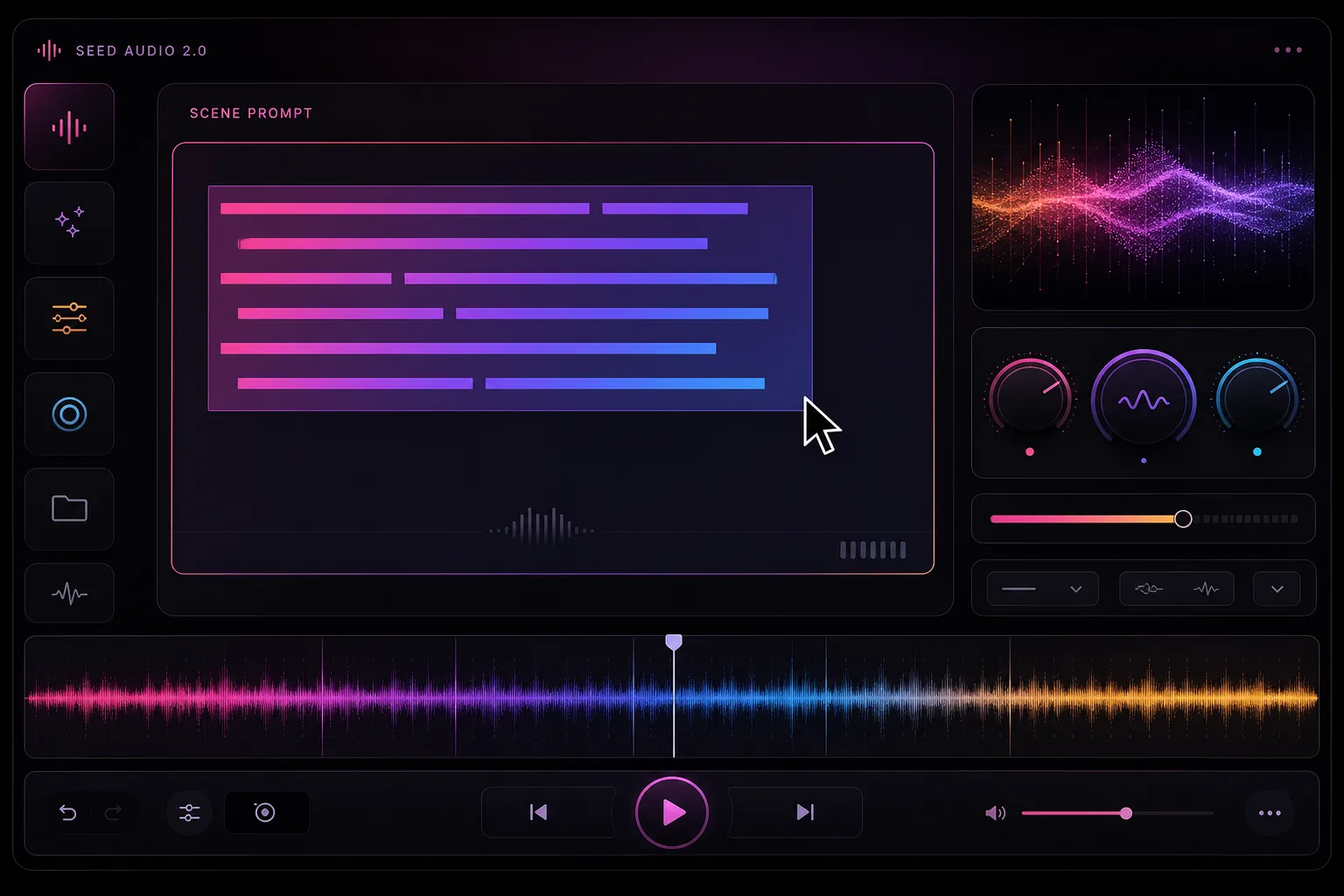
Futuristic Seed Audio 2.0 production control room
SEED AUDIO 2.0 SCENE COMPOSER
01 Dialogue02 Emotion03 Ambience04 Music05 Foley
ONLINE WORKSPACE

Start with a scene, not a list of tags.

Describe the people, place, mood, and timing. Add a reference only when words are not enough.

Scene prompt225 / 2048
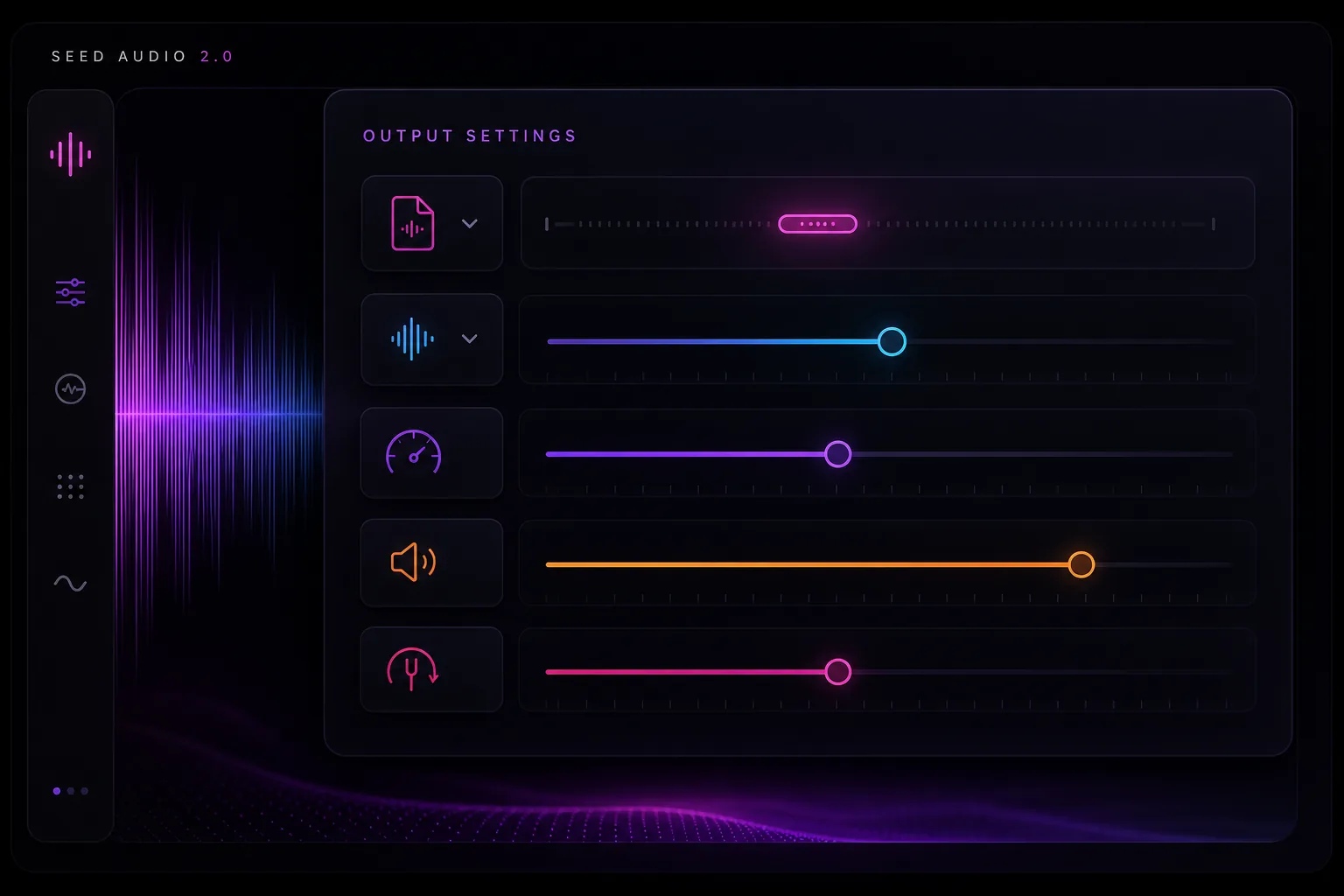
Additional SettingsCustomize your input with more control.
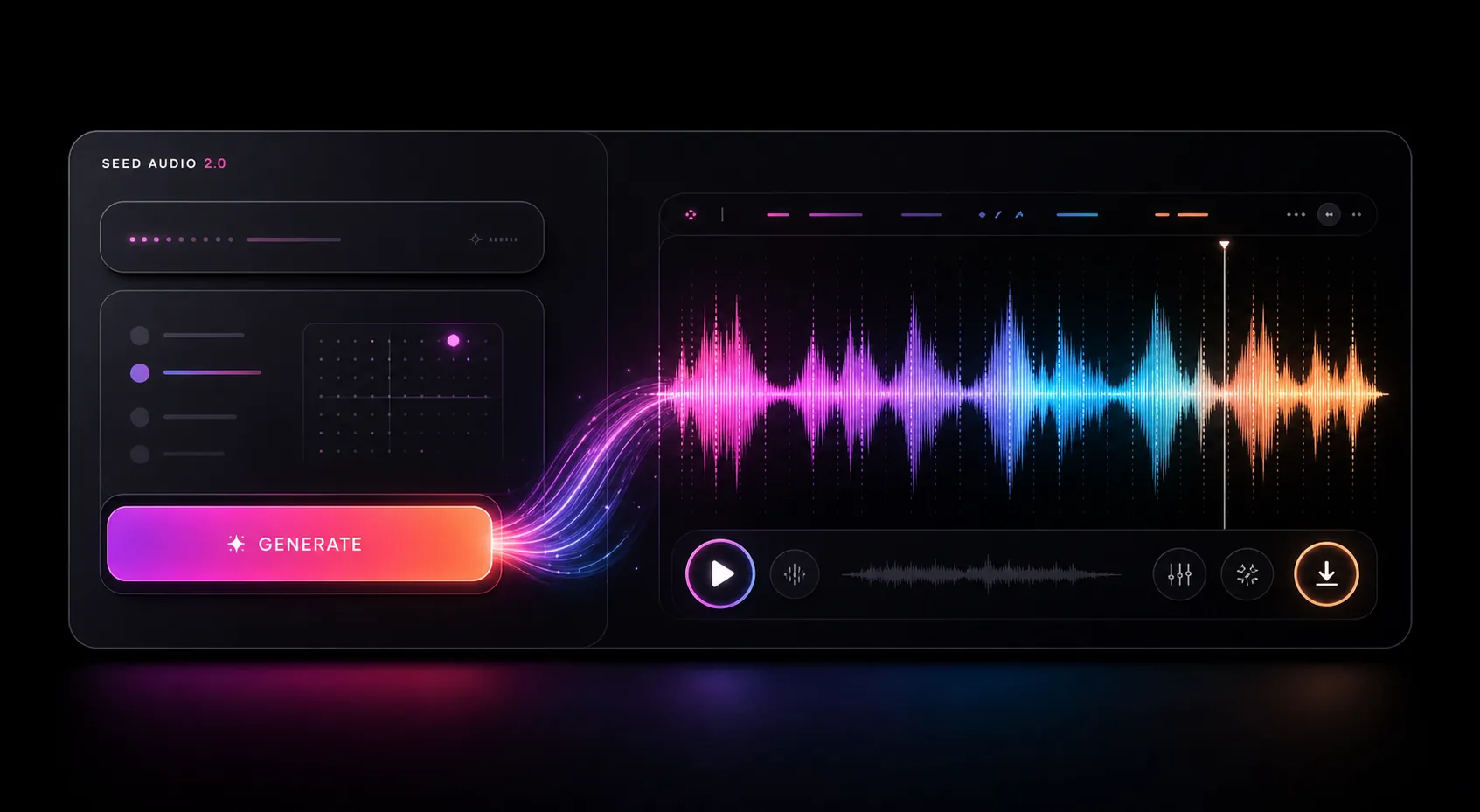
Generated audioDEMO
MIDNIGHT RADIO · DEFAULT AUDIOREADY TO PLAY

How to use Seed
Audio 2.0 online.

Start with the scene and speakers. Add a reference only when it helps, choose the output settings, then listen and revise the prompt.

Write the scene in Seed Audio 2.0
01

Write the scene

Say who is speaking, where they are, how they sound, and when the important noises happen.

Add a reference if needed in Seed Audio 2.0
02

Add a reference if needed

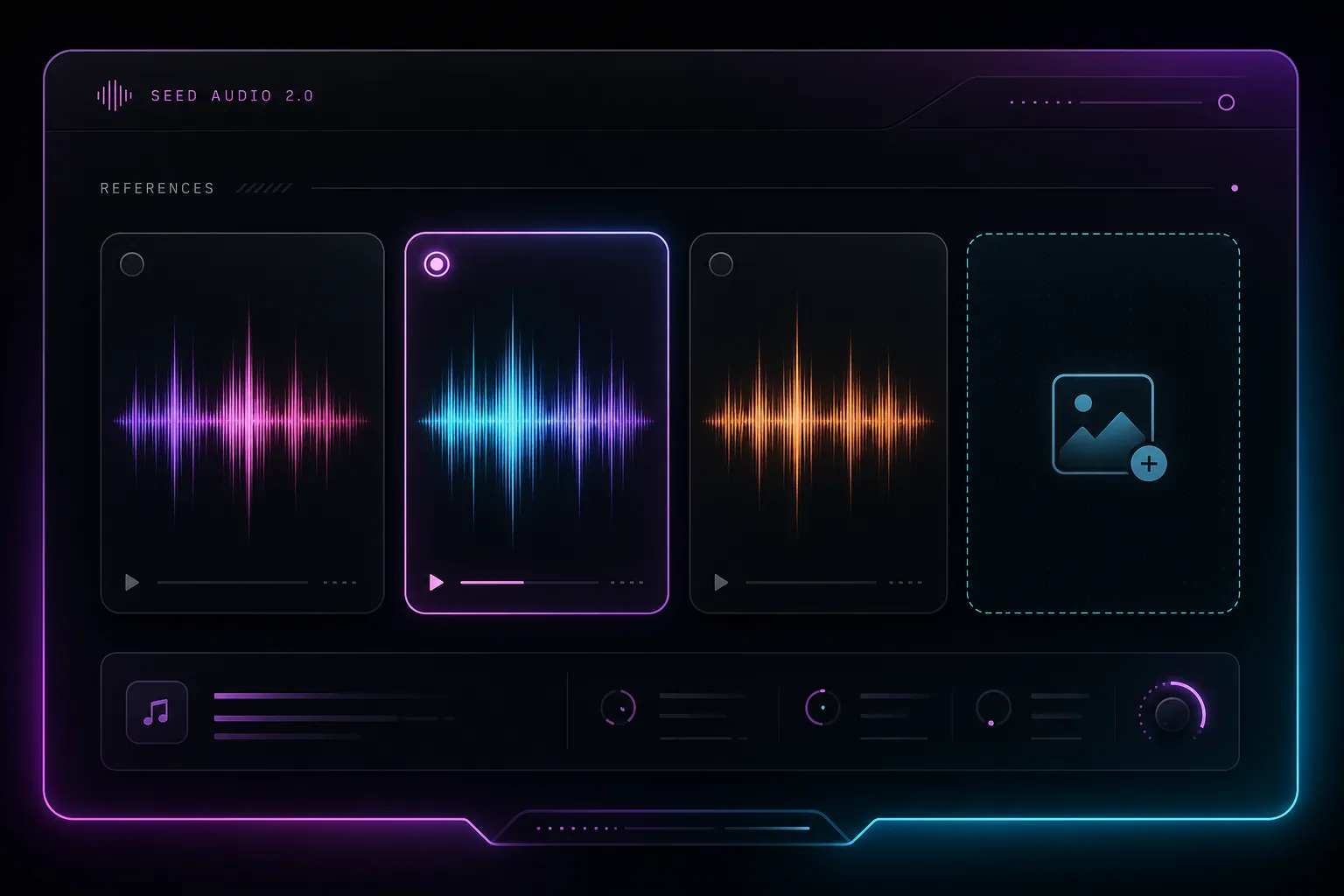
Use a short audio clip for voice or delivery, or an image for the setting and mood.

Set the output in Seed Audio 2.0
03

Set the output

Choose the file format and sample rate. Adjust speed, volume, or pitch only when the scene calls for it.

Listen, then change one thing in Seed Audio 2.0
04

Listen, then change one thing

Download a good take. If it misses, revise one detail instead of rewriting the whole prompt.

PROMPT FORMULA

Scene + speaker + emotion + language + ambience + music + sound effects + timing.

Open generator

Write, listen,
then make a smaller edit.

Write the scene in plain language, generate a first draft, and adjust the part that feels off. Most prompts improve faster when you change one detail at a time.

01

Describe the sound scene

Start with characters, emotion, location, timing, dialogue, musical mood, and the effects that should exist in the Seed Audio 2.0 scene.

02

Generate a first take

Listen for the voice, timing, and background separately. Note the first thing that feels wrong.

03

Use across creative formats

Shape Seed Audio 2.0 results for short films, ads, podcasts, games, learning content, prototypes, and immersive stories.

More than a voice reading a script.

A single prompt can cover the performance and the room around it—from two people talking to rain, traffic, music, or a door closing on cue.

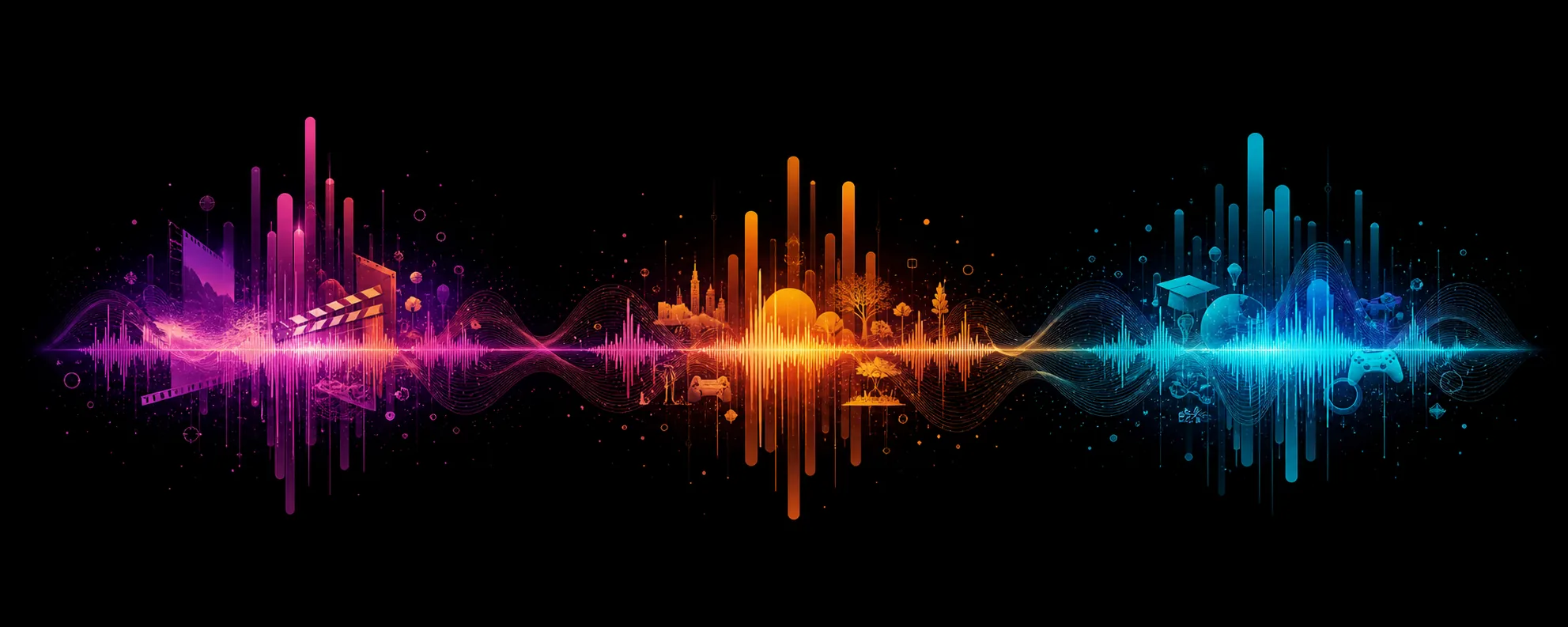
Seed Audio 2.0 combining layered sound waves
Multi-speakerVoice continuity for longer generated scenes
Text / image / audioMultimodal direction for Seed Audio 2.0

All-in-one audio generation

Compose multiple sound layers at once instead of stitching voice, music, ambience, and effects across separate tools.

Emotion and accent control

Guide tone, emotional delivery, dialect, and natural accents while keeping recurring voices recognizable.

Scene ambience and music

Generate environmental beds, room tone, weather, crowds, and background music alongside dialogue.

Longer audio scenes

Build sustained Seed Audio 2.0 scenes for dialogue, narrative, ambience, and music-backed sequences.

Rough sound drafts for
video, games, lessons, and ads.

Use it early, when you need to hear an idea before booking voices, choosing music, or building the final mix.

Short film sound design

Draft dialogue, emotional beats, foley, ambience, and music for storyboards or pre-visualization.

Marketing creatives

Create campaign-ready Seed Audio 2.0 directions for product demos, social clips, and localized ads.

Game and XR prototypes

Prototype ambient loops, character voices, UI sounds, and cinematic moments before a final audio pass.

Learning content

Build scenario-based lessons, character conversations, and immersive explainers with spatial sound cues.

Seed Audio 2.0 creative sound scenes for media
DIALOGUEMulti-character delivery with emotional tone
AMBIENCERain, traffic, rooms, crowds, and natural beds
FOLEYFootsteps, impacts, doors, texture, and timing
Seed Audio 2.0 credits transforming into audio

Choose the right
Seed Audio 2.0 credit pack.

Buy credits once and use them whenever you create. There are no monthly or yearly subscriptions.

5 credits / minuteOne-time purchase · Valid for 365 days
Starter credits
23% OFF
$12.90

$9.90

A lightweight top-up for personal projects and quick audio drafts.

120credits
24total audio minutes
  • 120 Seed Audio 2.0 credits
  • Up to 24 generated audio minutes
  • Text, audio, and image references
  • Audio generation history
  • Credits valid for 365 days
  • Max 2 minutes per generation
Creator credits
25% OFF
Best value
$39.90

$29.90

The best balance for creators producing complete audio scenes regularly.

500credits
100total audio minutes
  • 500 Seed Audio 2.0 credits
  • Up to 100 generated audio minutes
  • Text, audio, and image references
  • Audio generation history
  • Credits valid for 365 days
  • Max 2 minutes per generation
Studio credits
33% OFF
$149.90

$99.90

The strongest value for teams and high-volume audio production.

2,000credits
400total audio minutes
  • 2,000 Seed Audio 2.0 credits
  • Up to 400 generated audio minutes
  • Text, audio, and image references
  • Audio generation history
  • Credits valid for 365 days
  • Max 2 minutes per generation
NEW ACCOUNT BONUS10 free credits

Enough to create approximately two short audio generations.

USAGE STANDARD5 credits per minute

Credits are deducted only when you generate audio.

Seed Audio 2.0 FAQ sound wave

Frequently asked questions

Practical answers for creators who want to understand Seed Audio 2.0, generate AI audio, and manage credits.

What is Seed Audio 2.0?

Seed Audio 2.0 turns a written scene brief into an audio draft. The brief can include speakers, setting, pacing, music, and key sound effects.

What inputs does Seed Audio 2.0 support?

Begin with a text prompt and optionally guide the result with reference audio or an image. Describe speakers, emotion, ambience, music, and sound events.

Why upload an image to Seed Audio 2.0?

A scene image can establish mood, location, energy, and environmental context when the generated audio should match a specific world.

How long can each Seed Audio 2.0 generation be?

Each generation supports up to 2 minutes of audio. Longer projects can be created as separate scenes.

How are Seed Audio 2.0 credits calculated?

Generation uses 5 credits per minute. Packs of 120, 500, or 2,000 credits equal approximately 24, 100, or 400 minutes.

Can I generate audio on this website?

Yes. Enter a scene prompt in the live workspace and select Generate Audio. Successful results appear in the audio player.

Why can a Seed Audio 2.0 generation fail?

A request may fail because of an incomplete prompt, unsupported input, temporary provider availability, or an upstream account configuration issue.

What is Seed Audio 2.0 best for?

It is most useful when speech and setting need to be drafted together—for example a podcast scene, short ad, game moment, or audio story.

Can I use Seed Audio 2.0 output commercially?

Commercial usage depends on the terms attached to your account and credit pack. Review the applicable usage rights before publishing.

Are the credit packs subscriptions?

No. Every purchase is a one-time credit pack with no recurring monthly or yearly charge. Purchased credits remain valid for 365 days.

Warm Seed Audio 2.0 sound field
TRY A SCENE

Write what should happen.
Then listen to the first take.

Start with a short prompt. You can add references and fine-tune the output after you hear what is missing.

Open the generator