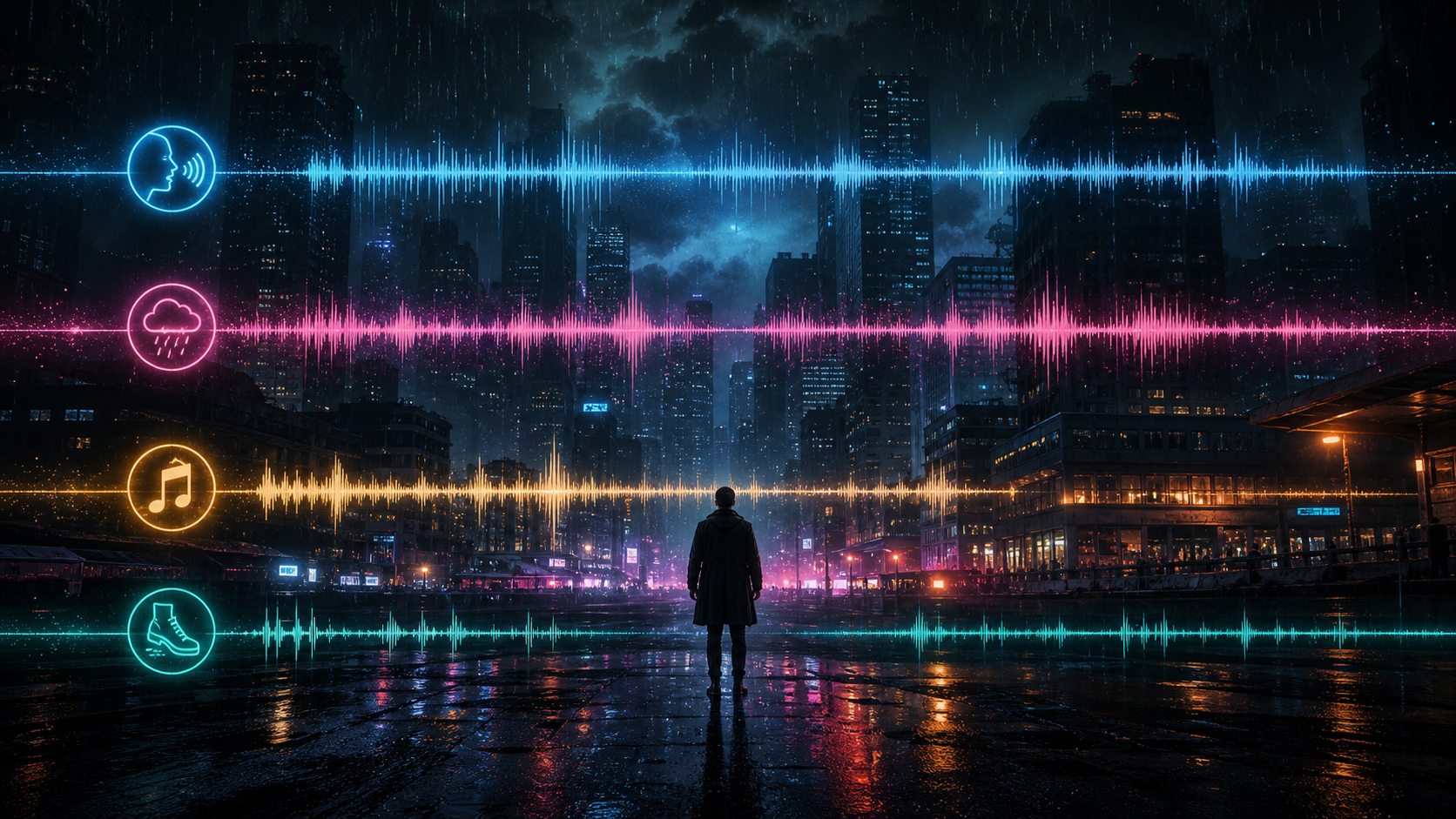
 01 / 15s
CINEMATIC DIALOGUE
Suspense dialogue package
A rain-soaked crime scene shaped with intimate narration, environmental tension, and a precisely timed final cue.

Give it a scene brief, not just a line to read. Describe the speakers, pacing, room, music, and key sound events; the model returns them as one draft.
These short clips show what changes when a prompt specifies speakers, pacing, setting, and a few important sound cues.
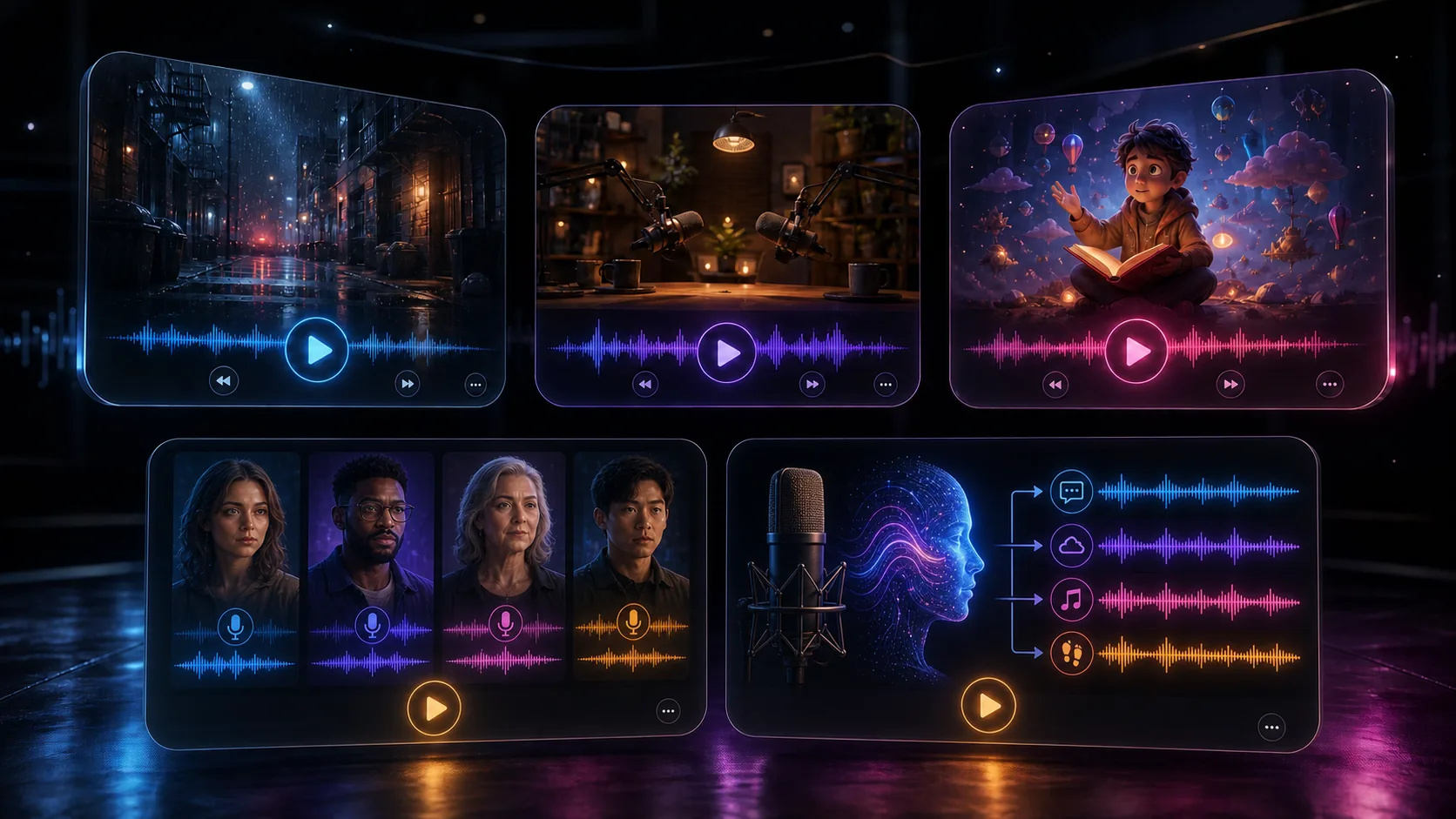
Each clip focuses on one job: dialogue, livestream delivery, podcast pacing, an ad read, voice reference, or layered scene sound.
01 / 15sA rain-soaked crime scene shaped with intimate narration, environmental tension, and a precisely timed final cue.
 02 / 14s
Two energetic hosts move from product detail to a confident call to action with clean, broadcast-ready pacing.
 03 / 15s
A warm, natural podcast opening with thoughtful pauses, a grounded delivery, and an intimate studio presence.
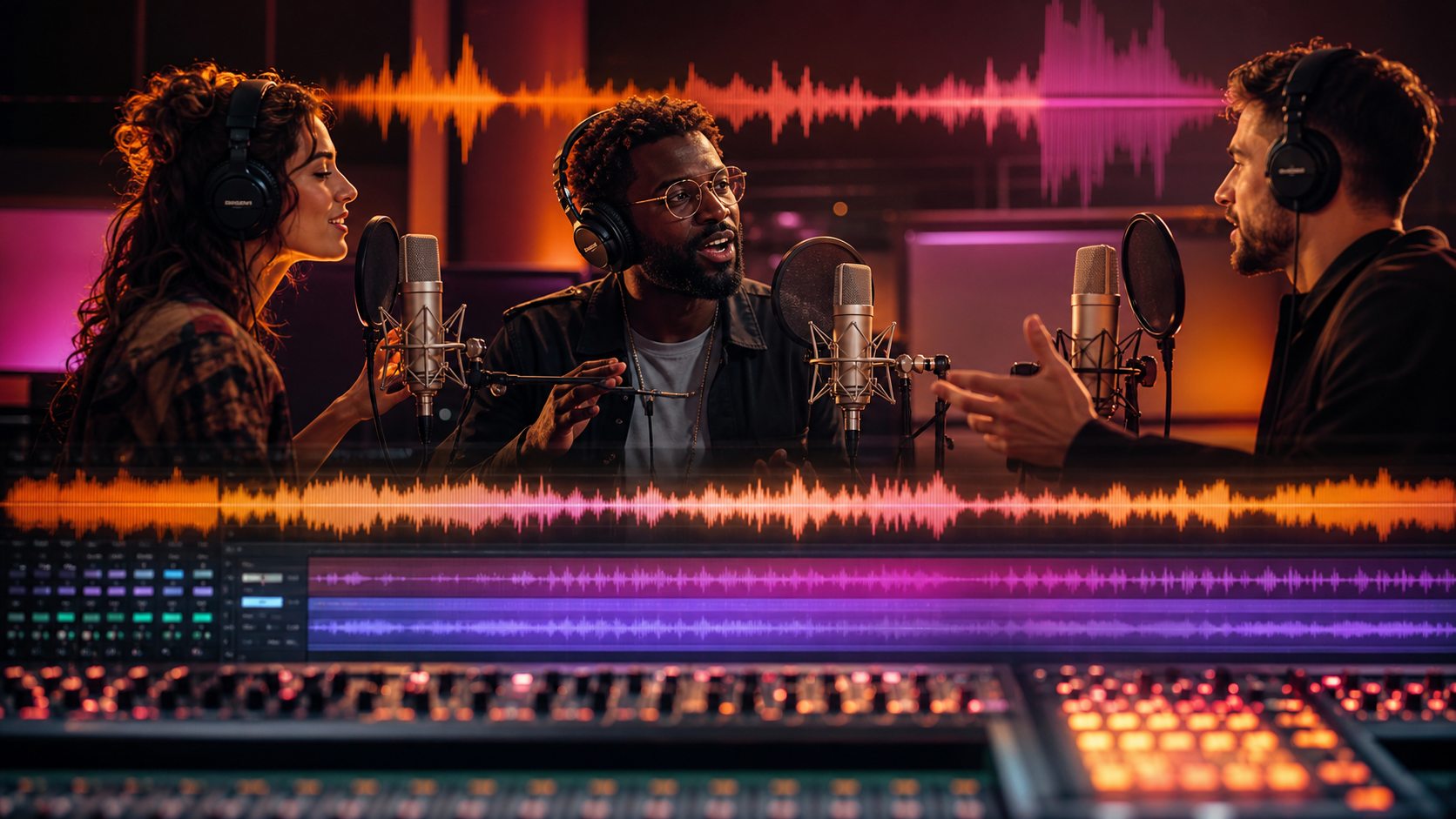 04 / 14s
A compact commercial concept that moves through narrator, customer, and brand voice in one cohesive sequence.
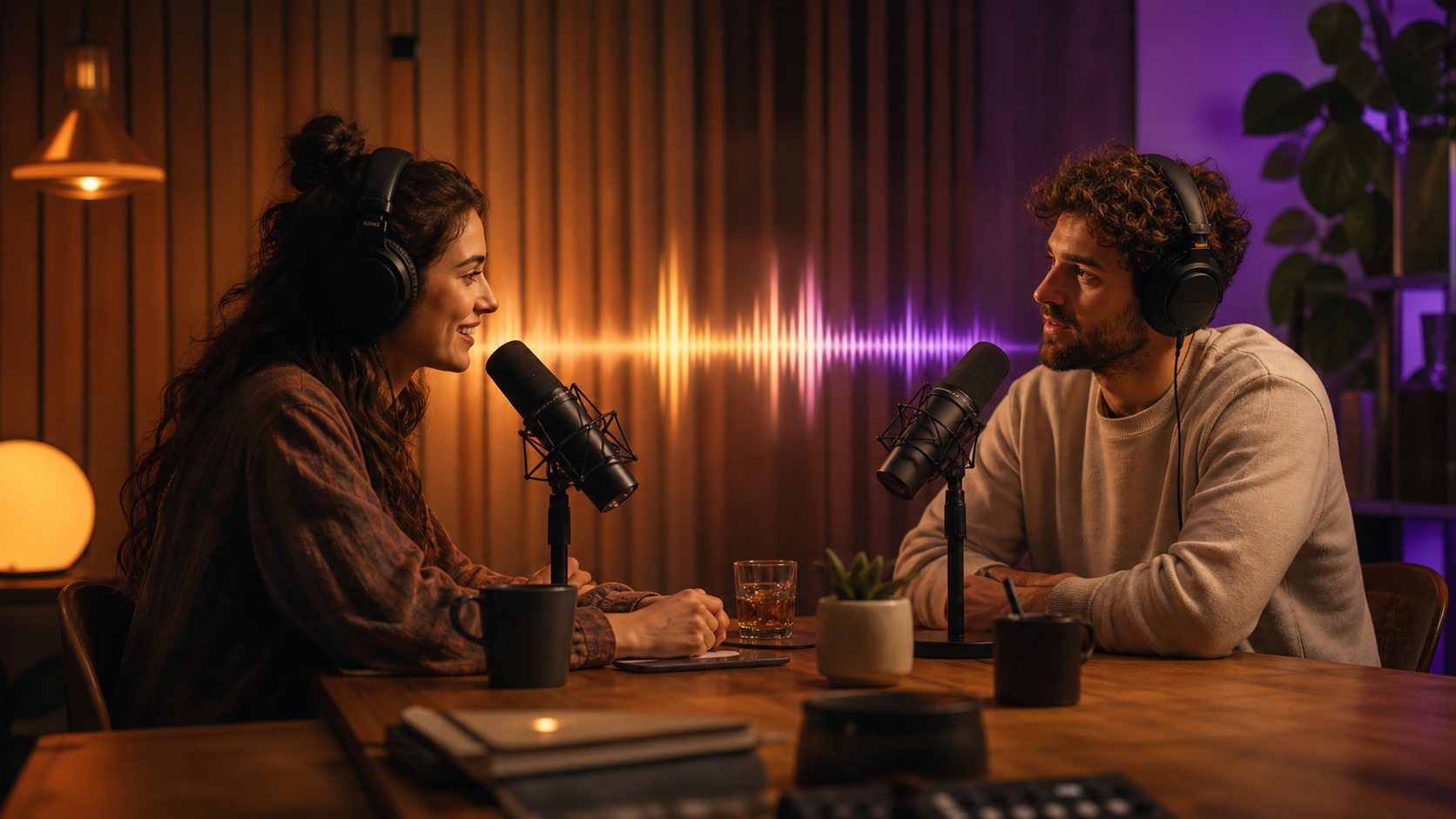 05 / 15s
A calm reference-led performance that keeps tone, rhythm, and spoken texture consistent across the generated scene.
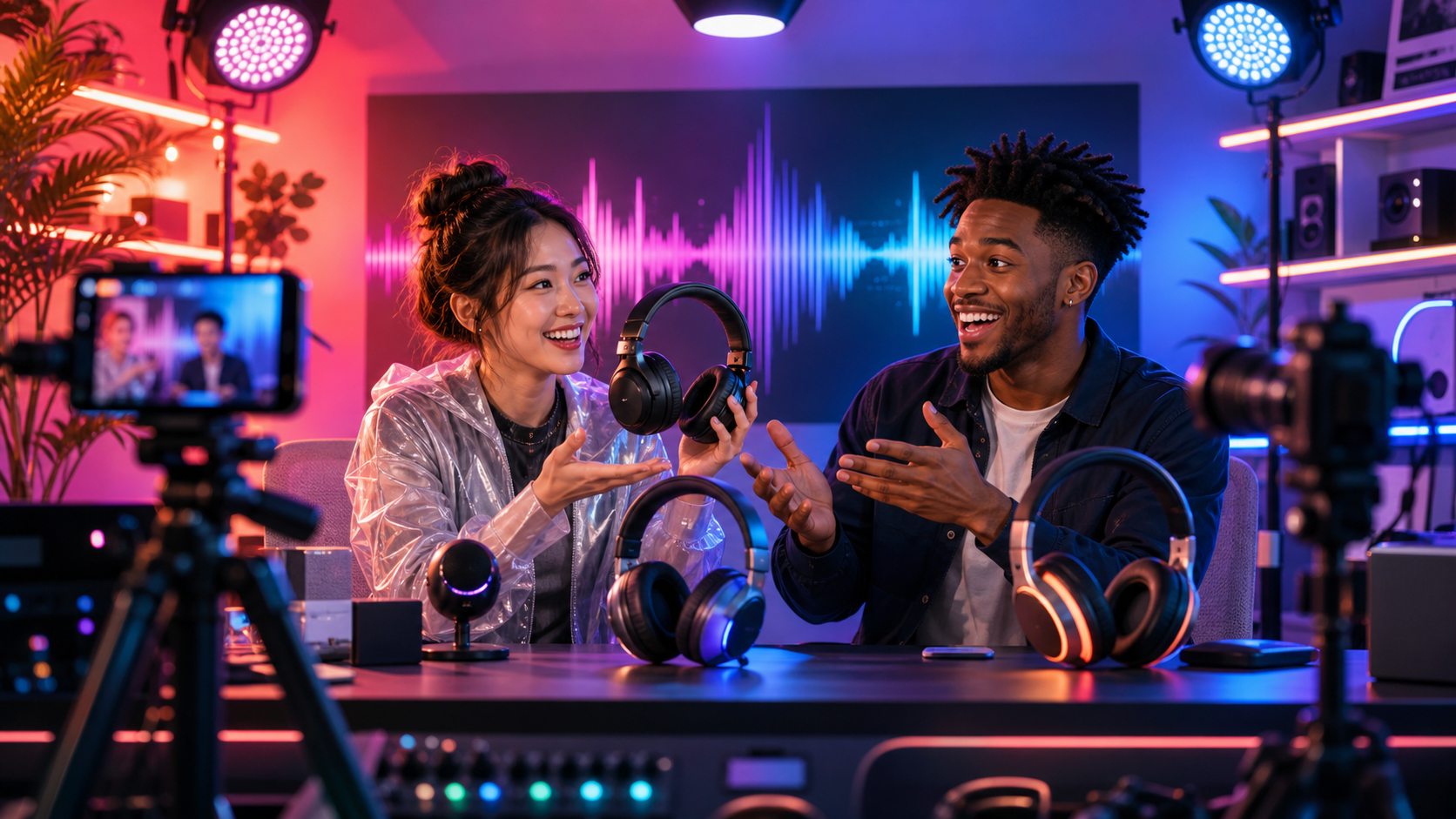 06 / 16s
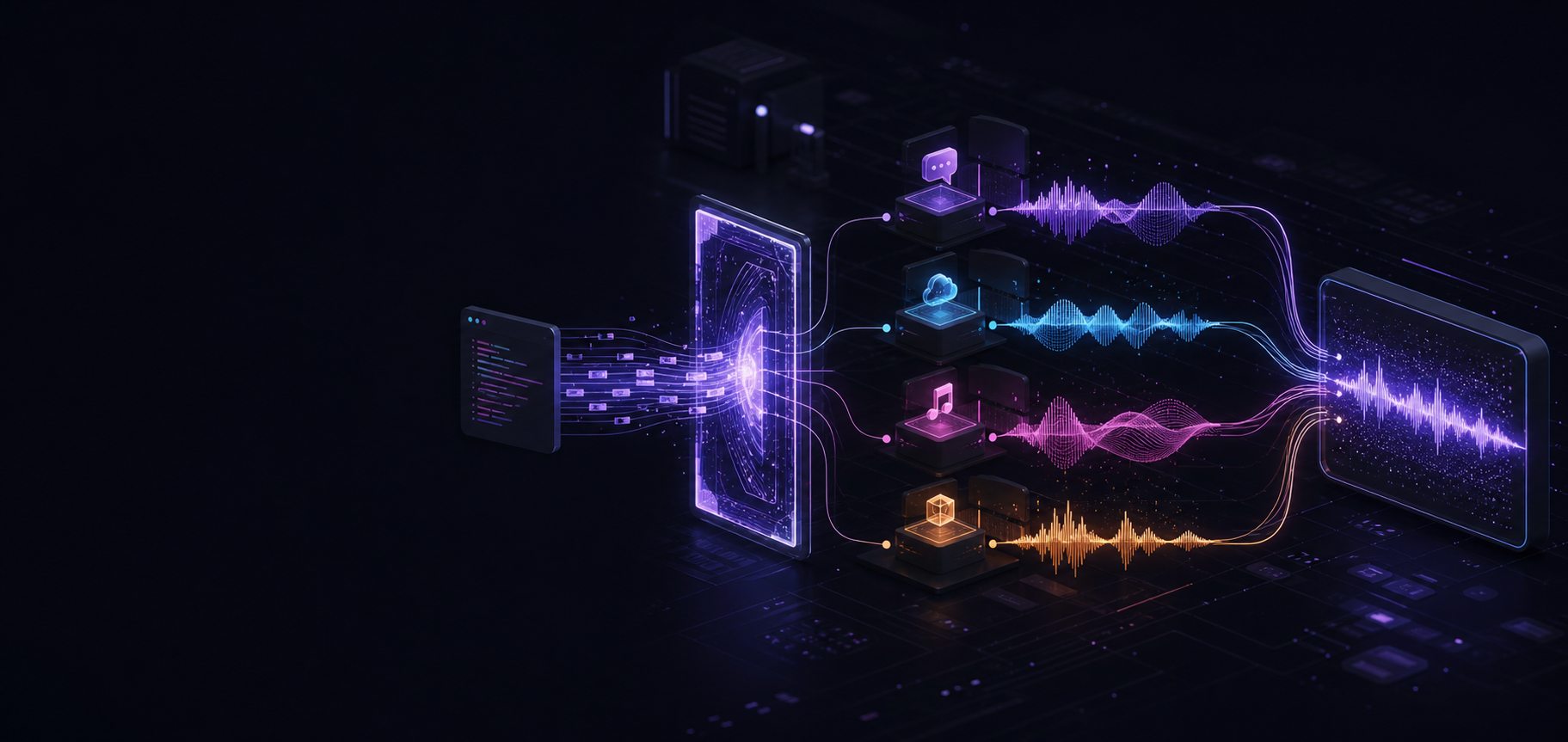
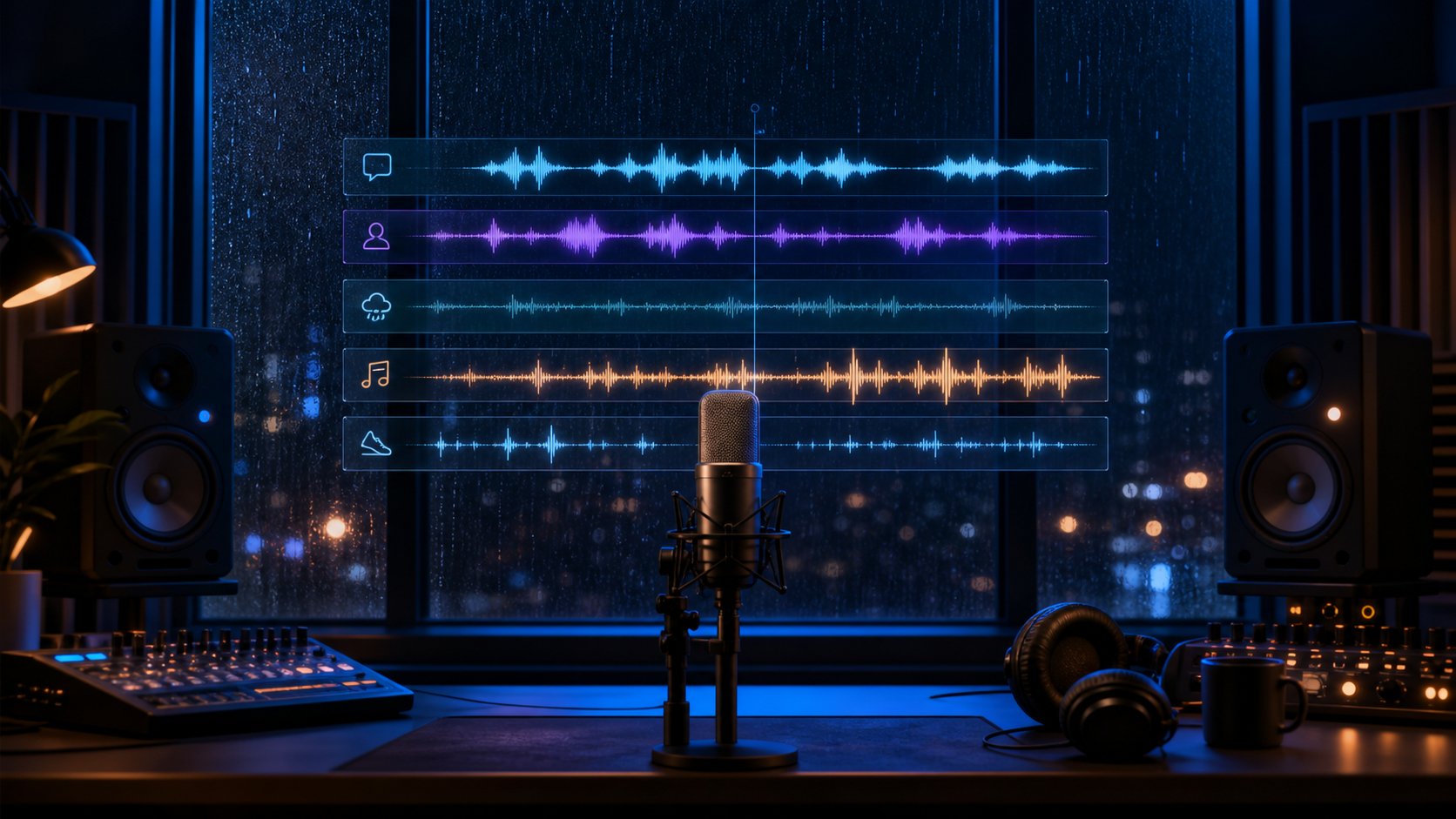
Dialogue, weather, score, and foley are directed as coordinated layers for a richer Seed Audio 2.0 production draft.
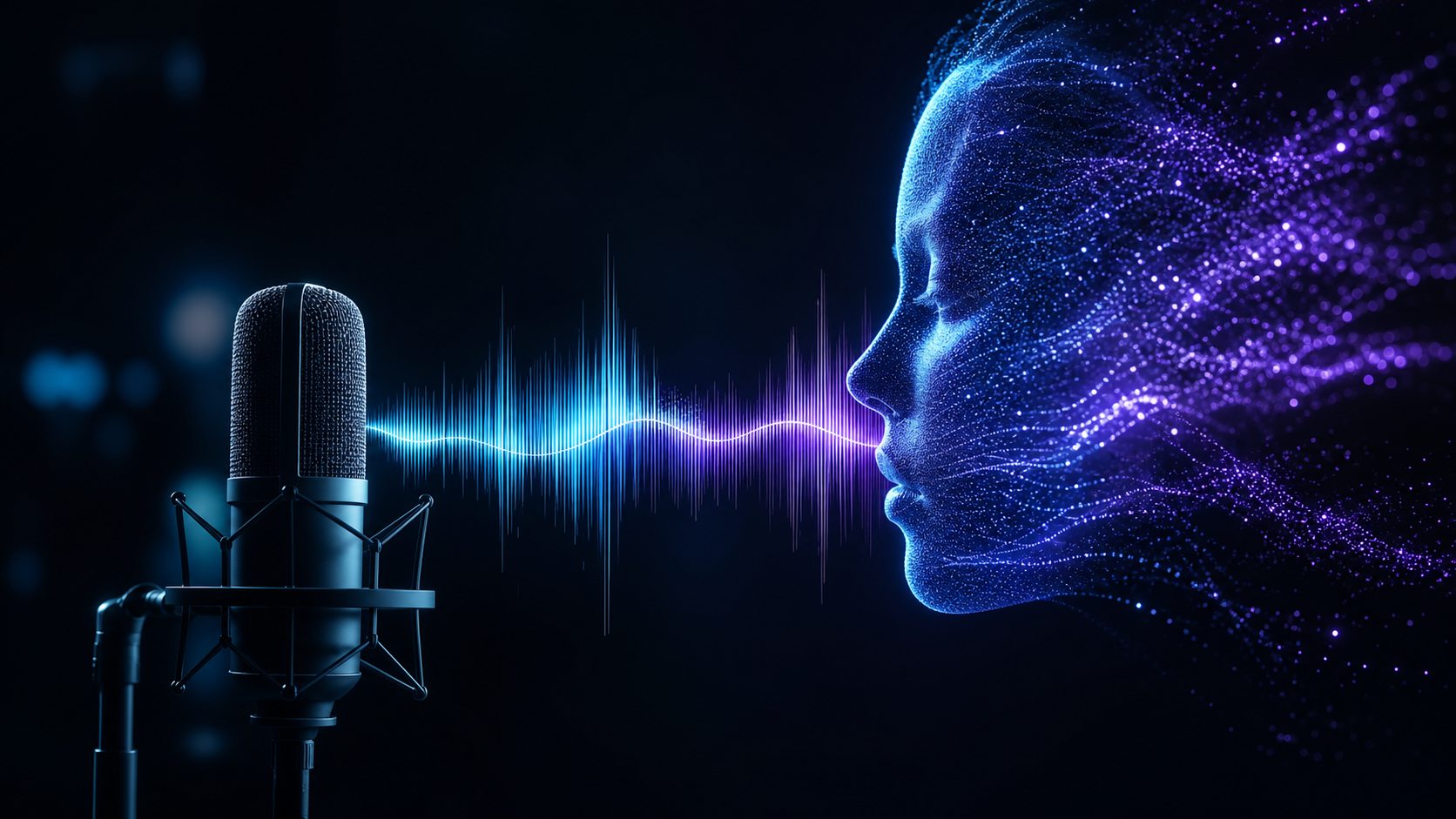
Traditional text-to-speech focuses on spoken words. Seed Audio 2.0 expands the creative direction to the entire scene: character delivery, timing, space, background music, ambience, and sound effects can be composed as one connected experience.
It works best when speech and setting need to arrive together. For plain narration, a standard TTS tool may be simpler.
Begin with a text prompt, image reference, or short audio reference to guide the scene’s mood, rhythm, and sonic identity.
Describe speakers, tone, pacing, emotion, accents, pauses, and conversational energy directly in the prompt.
Plan dialogue, ambience, music beds, transitions, and precisely timed sound events inside one coherent direction.
Reuse references and prompt structures to keep recurring characters, campaigns, and series aligned across scenes.
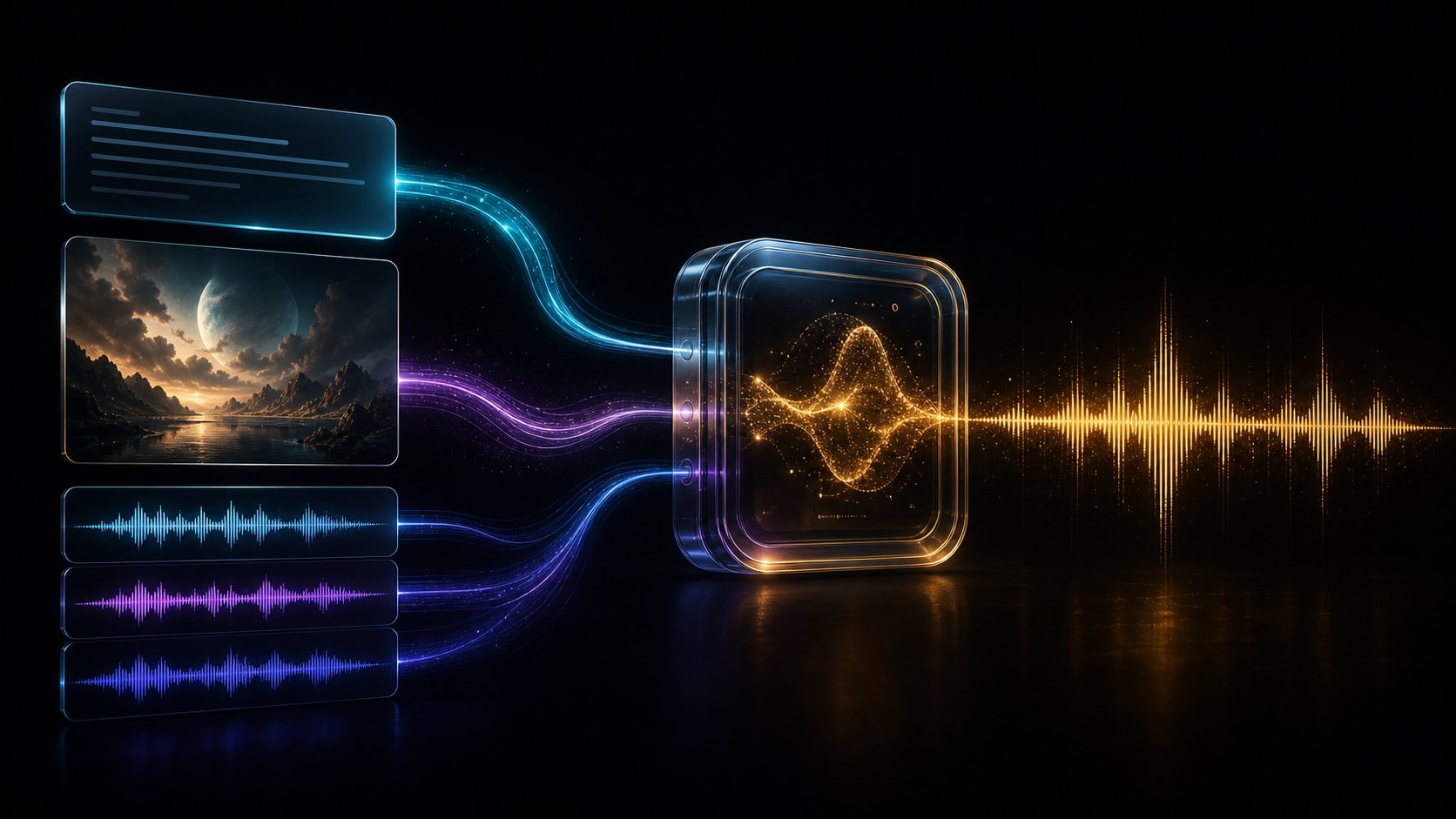
Keep the scene concise, specific, and ordered around audible events rather than visual-only details.
Use one clear image or a small set of focused audio references so each source has an obvious role.
Trim references to the voice, texture, rhythm, or performance quality you actually want to preserve.
Draft shorter scenes first, then extend once dialogue timing and layer balance feel right.
State the spoken language, desired accent, pronunciation notes, and any speaker changes in the prompt.
Choose the delivery format and sample rate that match editing, publishing, or product integration needs.
Review speed, pitch, volume, and voice choices before generation to avoid unnecessary revisions.
Treat generation as an asynchronous production step: submit, track progress, validate, then deliver.
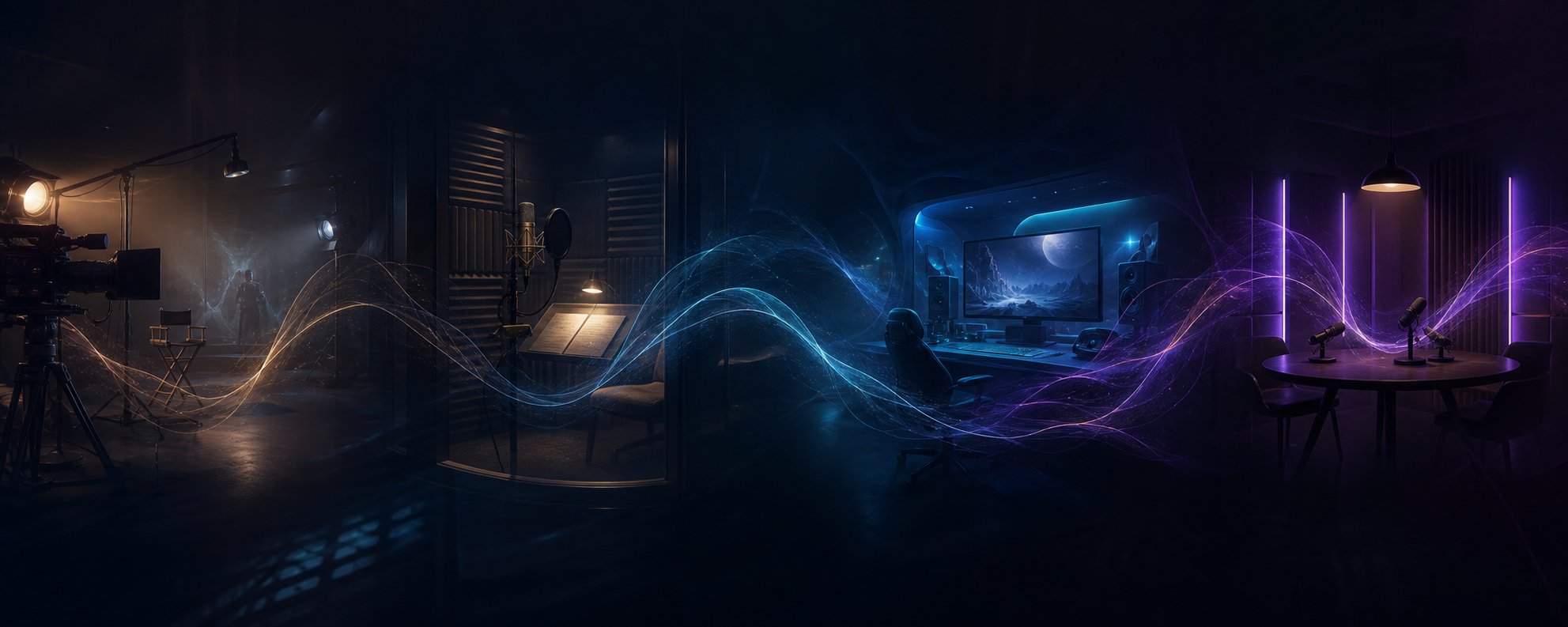
Seed Audio 2.0 is designed for ideas that need voices, atmosphere, music, and sonic action to arrive as one connected scene.
Prototype campaign hooks, localized voiceovers, social clips, and complete sound beds before final production.
Shape narration, character delivery, room tone, music, and lightweight foley from one scene direction.
Explore character voices, ambience loops, interface moments, and cutscene audio during early production.
Turn a topic into a guided audio sketch with natural pacing, transition cues, and background texture.
Build the direction in four passes so the model understands the story first, then the performance and sound design.
Name the format, place, mood, duration, and intended audience.
Define speaker count, language, role, emotion, pacing, and pronunciation.
Add ambience, music direction, and only the sound events that matter.
Generate a short draft, identify the dominant layer, and revise one variable at a time.
Turn a focused scene direction into a playable audio draft in the web workspace.
Read the prompt guide↗Use tested structures, practical examples, and revision checks before writing longer prompts.
Explore API documentation↗Review request fields, output options, and integration notes for production workflows.
Disclaimer: Seed Audio 2.0 is an independent AI audio service and informational platform. It is not an official ByteDance or Seed product. Generated audio may contain inaccuracies or unexpected results; users are responsible for reviewing outputs, securing necessary rights, and complying with applicable laws before use.