Listen for the scene
Judge rhythm, intelligibility, emotion, ambience, and transitions together.

Design dialogue, ambience, music, and sound events around the rhythm of a real conversation—not a queue of disconnected voice clips.
A convincing conversation is built from more than clean speech. It depends on hesitation, interruption, acknowledgement, silence, proximity, and the acoustic world around the speakers.
Seed Audio 2.0 lets the prompt carry those production decisions. The result can be evaluated as one scene, then refined around the specific beat or layer that breaks the illusion.
A grounded reference for planning with the capabilities available through this site.
Treat every result as the next state of the same production: listen for the scene, identify the weakest layer, and feed a sharper direction back into the next version.
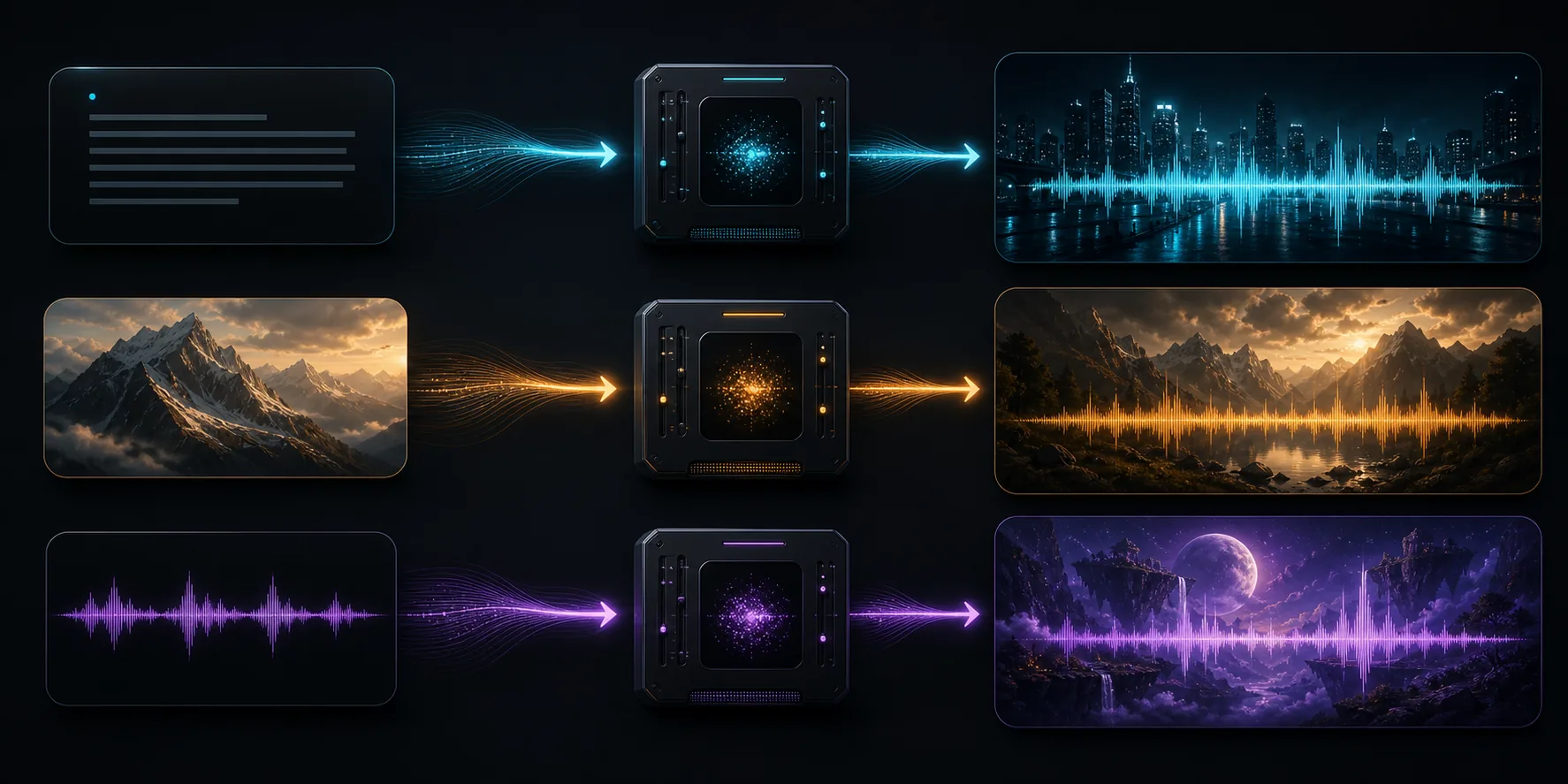
Judge rhythm, intelligibility, emotion, ambience, and transitions together.
Identify the exact speaker, cue, layer, or moment that needs adjustment.
Rewrite only the relevant production instruction with clearer timing and intent.
Compare versions, keep the stronger scene, and prepare it for the next workflow.
The strongest prompt behaves like a compact audio direction document.
Direct pauses, overlaps, interruptions, emphasis, and the distance between speakers so dialogue feels staged rather than read.
Give each speaker a role, vocal character, language, and emotional arc while keeping the exchange in one coherent sound world.
Compose voices, room tone, ambience, music, and timed effects from the same production brief.
Add a scene image or short audio reference to communicate visual mood, acoustic texture, or vocal direction.
Regenerate from a more precise brief after listening for timing, balance, performance, or scene continuity.
Choose practical output settings, compare versions, and carry the selected draft into an editing or publishing workflow.
Use the workflow where timing and environment contribute as much meaning as the words themselves.
Create tutor-and-learner exchanges with natural pauses, corrections, encouragement, and a consistent classroom atmosphere.
Explore assistant, support, onboarding, and guided-experience concepts before building a complete production stack.
Draft multi-speaker moments with room tone, intro cues, transitions, and expressive turn-taking.
Hear character exchanges, environments, and story beats together before final recording and sound design.
The distinction is less about labels and more about how many production decisions need to stay connected.
Resolve these choices in the brief so the output has a clear dramatic and acoustic job.
This page is a Seed Audio 2.0 workflow guide inspired by live-audio interaction patterns. It does not claim that GPT-Live-2 is a separately released product or model.
The current site workflow generates directed audio scenes. Use it to prototype conversational timing and sound design; real-time streaming is not provided by this site.
Describe pauses, overlaps, interruptions, acknowledgements, emotional changes, and which speaker owns each beat. Treat timing as part of the script.
Specify room tone, location, music, background activity, key sound effects, distance, and how layers enter or fade across the scene.
Start with speakers and timing, add the acoustic world, then refine the exact moment that needs more control.