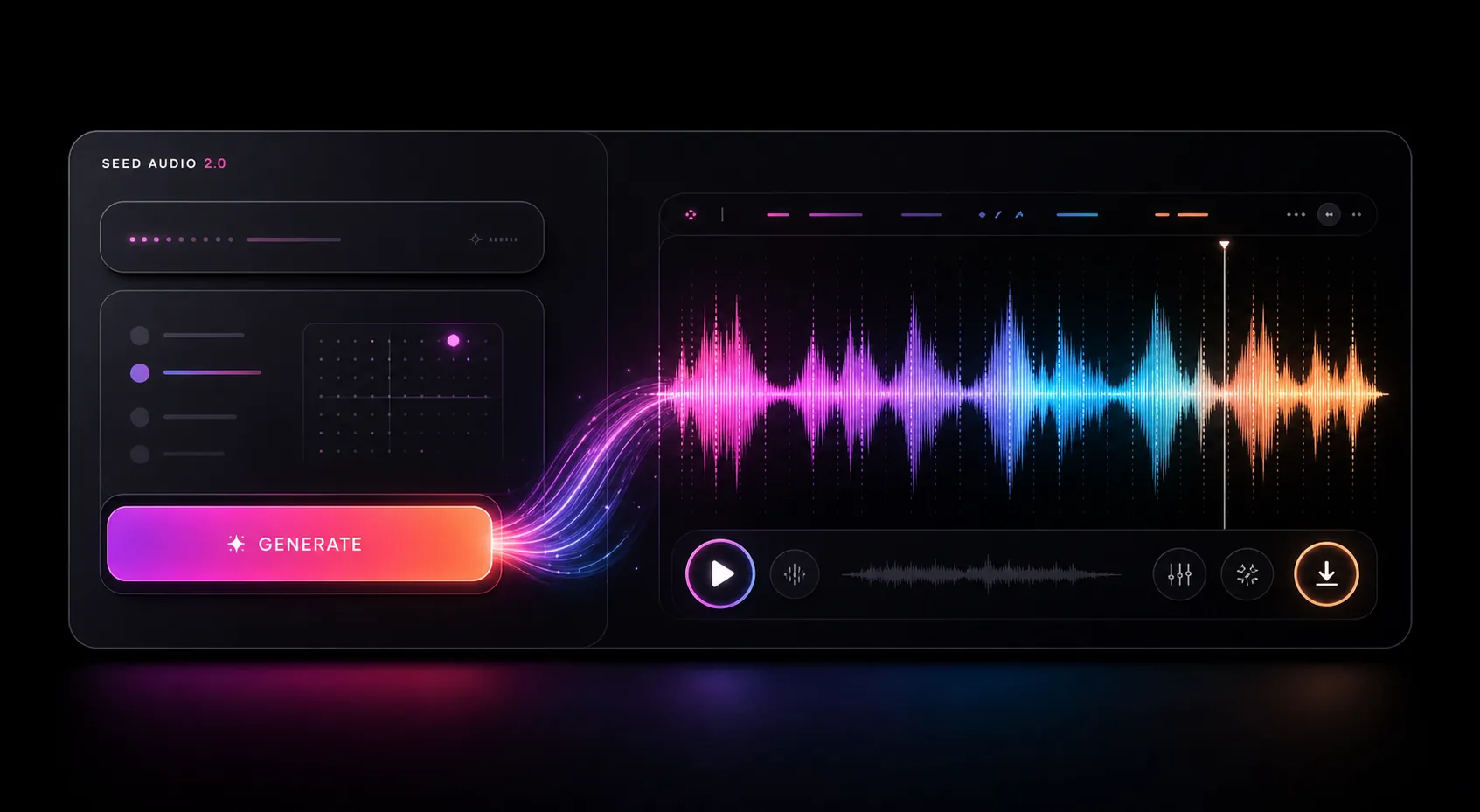
SEED AUDIO 2.0 AI AUDIO GENERATOR

Seed Audio 2.0: AI Audio Generator

Create richer, more immersive audio scenes with realistic dialogue, distinct voices, music, and sound effects—all from one prompt. Add optional image or audio references for greater creative control.Seed Audio 2.0 is coming soon. In the meantime, try Seed Audio 1.0 and start creating today!

AI model

Looking for more voices? Explore our Seed Audio voice support list.

0 / 2,800 characters
Advanced settingsMP3 · 24 kHz · 1× speed
5 credits / minuteUp to 2 minutes per generation
Audio previewSAMPLE

Play the sample to hear what a finished scene can sound like.

SEED AUDIO · SAMPLE AUDIOREADY TO PLAY

How to use Seed Audio 2.0 online

Create immersive AI audio scenes in four simple steps.

Choose a Voice or Reference in the Seed Audio workspace
01

Choose a Voice or Reference

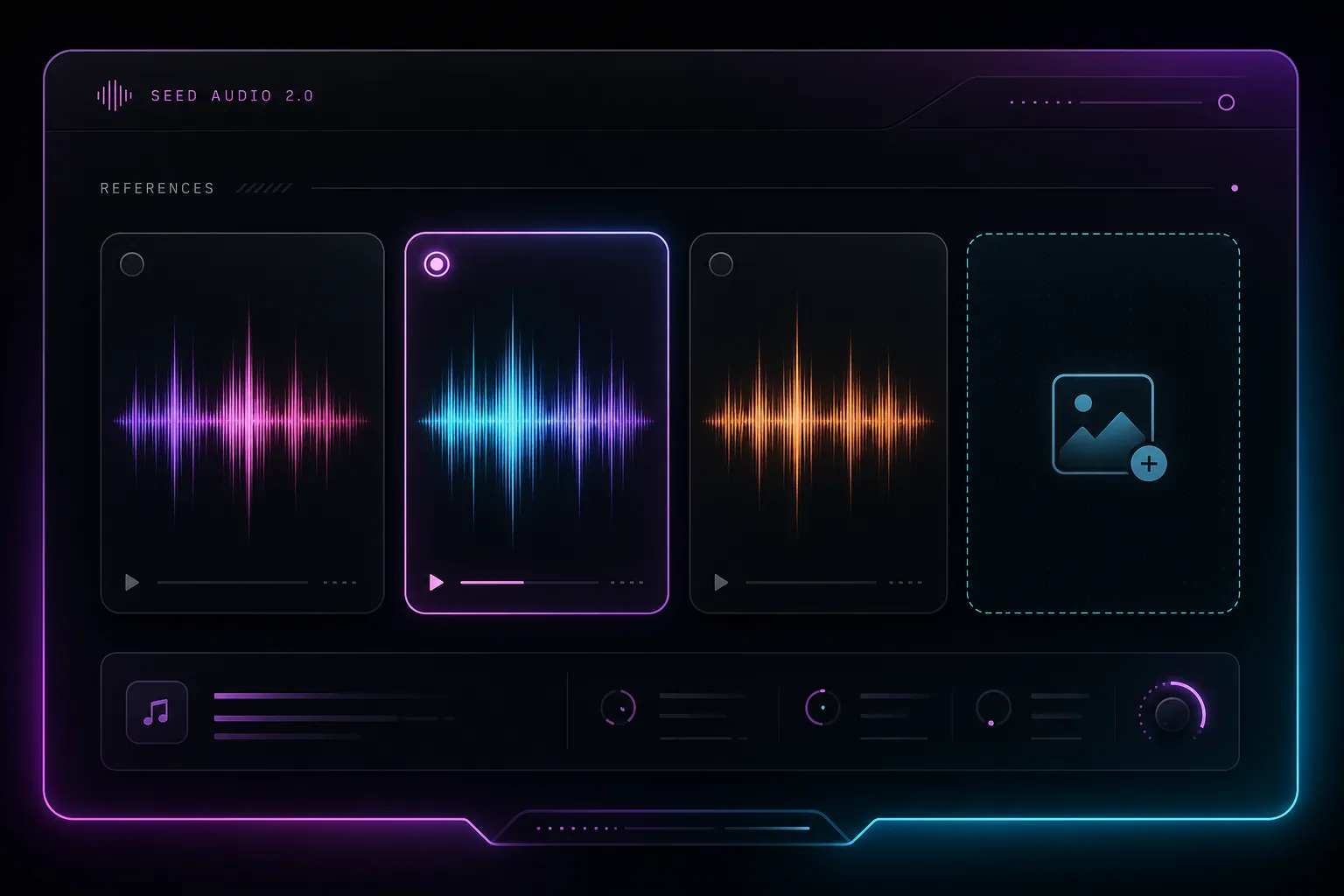
Under Voice & references, select Prompt only, Voice library, Reference audio, or Reference image.

Use Prompt only to generate without a voice or reference, or choose a built-in voice, let AI decide, or upload your own reference. Only the selected mode is used per generation.
Describe Your Audio in the Seed Audio workspace
02

Describe Your Audio

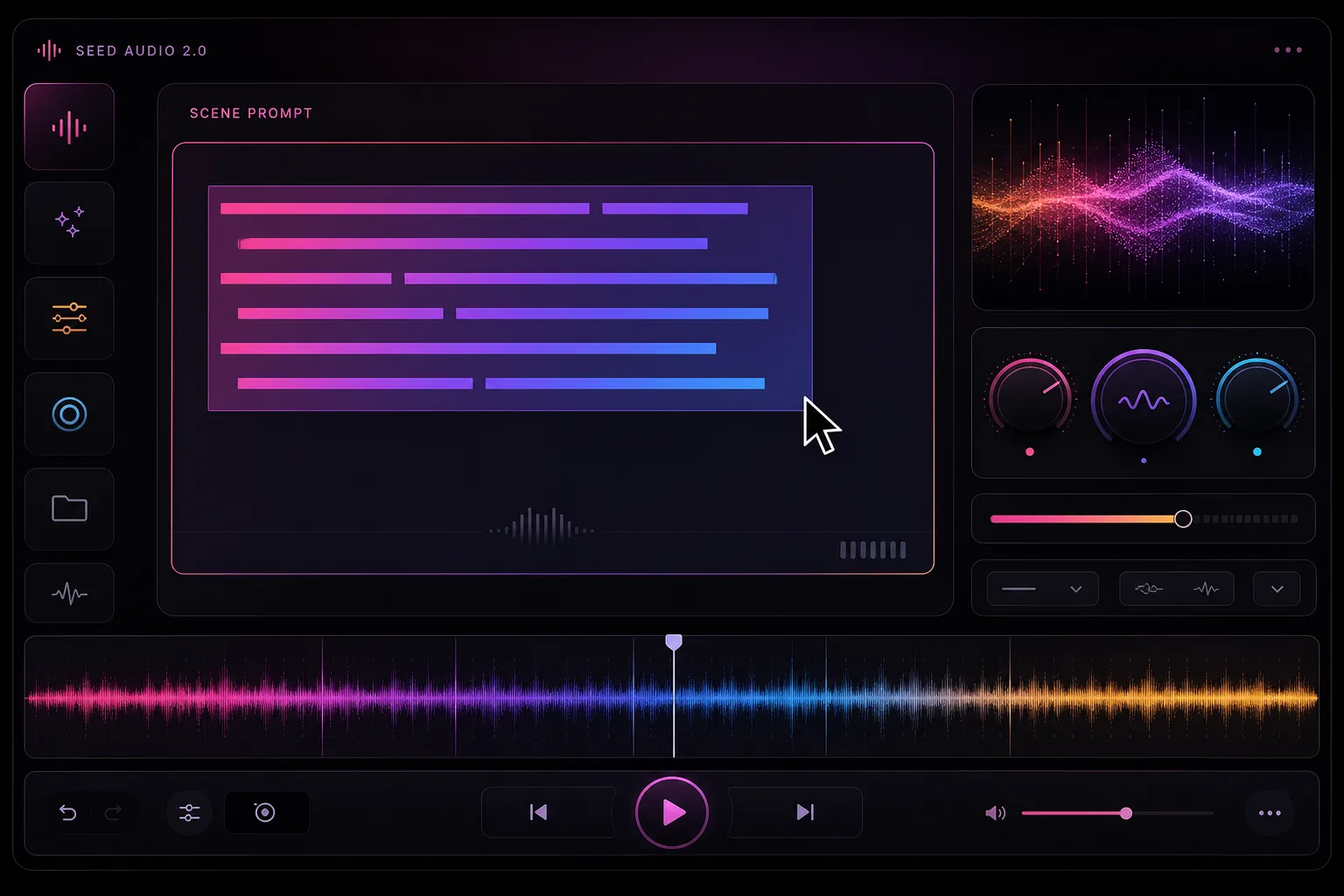
In Describe your audio, write your prompt with dialogue, voices, emotions, and scene details.

Add background music, ambient sounds, sound effects, or timing cues as needed. If you're using a reference, describe how it should influence the result.

Customize Your Settings in the Seed Audio workspace
03

Customize Your Settings

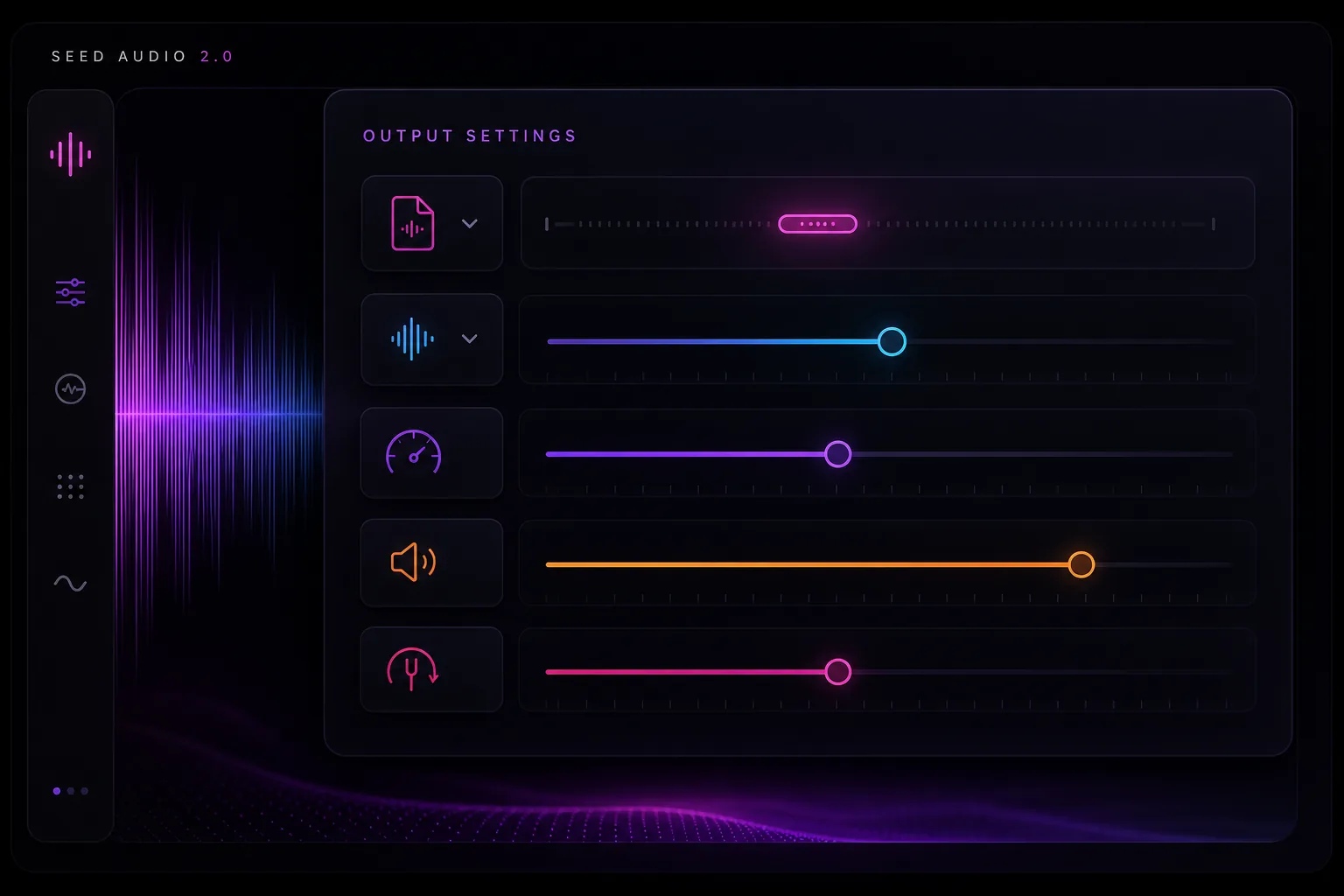
Use the default settings or expand Show settings to choose your file format and sample rate.

Fine-tune speed, volume, and pitch to match your creative needs.

Generate and Preview in the Seed Audio workspace
04

Generate and Preview

Sign in and click Generate audio. Once your audio is ready, listen in Audio preview or access it anytime in My Creations.

Want a different result? Refine your prompt and generate again.

QUICK PROMPT FORMULA

Scene + Speakers + Emotion + Language + Ambience + Music + Sound Effects + Timing

Include only the details your scene needs.
Start Creating Audio

Seed Audio 2.0 Capabilities

A single Seed Audio 2.0 prompt can cover the performance and the room around it—from two people talking to rain, traffic, music, or a door closing on cue.

Seed Audio 2.0 combining layered sound waves
Multi-speakerVoice continuity for longer generated scenes
Text / image / audioMultimodal direction for Seed Audio 2.0
✦

Multi-element audio generation

Use Seed Audio 2.0 to compose multiple sound layers at once instead of stitching voice, music, ambience, and effects across separate tools.

◉

Emotion and accent control

Guide Seed Audio 2.0 tone, emotional delivery, dialect, and natural accents while keeping recurring voices recognizable.

≋

Scene ambience and music

Let Seed Audio 2.0 generate environmental beds, room tone, weather, crowds, and background music alongside dialogue.

♪

Longer audio scenes

Build sustained Seed Audio 2.0 scenes for dialogue, narrative, ambience, and music-backed sequences.

Reference-guided creation

Add short audio references for delivery or an image to establish the setting and mood.

A focused creative workflow

Write a scene, generate a take, listen to the result, and refine one detail at a time.

Seed Audio 2.0 Prompt Tips: Refine Your Audio Scenes

Seed Audio 2.0 is coming soon. In the meantime, use these tips with Seed Audio 1.0 to improve dialogue clarity, background sound, and timing. Fine-tune the specific audio layer causing issues instead of rewriting your entire prompt.

≋01

Make Dialogue Clear

Name each speaker, include exact dialogue, and define tone and pacing. Keep voices clear and prominent over music and background sounds.

▱02

Clean Up Background Audio

Choose one main ambience, lower background music, and remove unnecessary sound effects. Keep each sound focused and balanced.

✦03

Improve Timing and Transitions

Arrange sound cues in playback order. Specify when sounds start and stop, where pauses occur, and how the scene transitions or fades out.

Create Audio for Videos, Games, Lessons, and Ads with Seed Audio 2.0

Use Seed Audio 2.0 early, when you need to hear an idea before booking voices, choosing music, or building the final mix.

▣

Short film sound design

Draft dialogue, emotional beats, foley, ambience, and music for storyboards or pre-visualization.

✦

Marketing creatives

Generate audio drafts for product demos, social clips, and localized ads.

⌁

Game and XR prototypes

Prototype ambient loops, character voices, UI sounds, and cinematic moments before a final audio pass.

◉

Learning content

Build scenario-based lessons, character conversations, and immersive explainers with spatial sound cues.

Seed Audio 2.0 creative sound scenes for media
DIALOGUEMulti-character delivery with emotional tone
AMBIENCERain, traffic, rooms, crowds, and natural beds
FOLEYFootsteps, impacts, doors, texture, and timing
Seed Audio 2.0 credits transforming into audio

Choose your Seed Audio credit pack.

Buy credits once and use them whenever you create. There are no monthly or yearly subscriptions.

5 credits / minuteOne-time purchase · Credits never expire
START SMALL

Starter Pack

For your first audio projects

$9.90USD · pay once
120 Credits

Up to 24 minutes of generated audio

Approx. $0.41 per audio minute

Try ideas, test prompts, and create short audio projects at your own pace.

Every pack includes
  • Text-to-audio generation
  • Audio or image references
  • Up to 2 minutes per generation
  • Credits never expire
  • No subscription or auto-renewal
RECOMMENDED

Creator Pack

For regular content creation

$29.90USD · pay once
500 Credits

Up to 100 minutes of generated audio

Approx. $0.30 per audio minute

Create voiceovers, sound effects, and audio scenes with more room to experiment.

Every pack includes
  • Text-to-audio generation
  • Audio or image references
  • Up to 2 minutes per generation
  • Credits never expire
  • No subscription or auto-renewal
BEST VALUE PER MINUTE

Studio Pack

For teams and larger projects

$99.90USD · pay once
2,000 Credits

Up to 400 minutes of generated audio

Approx. $0.25 per audio minute

Build a larger audio library for ongoing projects and production work.

Every pack includes
  • Text-to-audio generation
  • Audio or image references
  • Up to 2 minutes per generation
  • Credits never expire
  • No subscription or auto-renewal

Have more questions about pricing? Visit our pricing page for details.

Seed Audio 2.0 FAQ sound wave

Seed Audio 2.0 FAQ

Practical answers for creators who want to understand Seed Audio 2.0, generate AI audio, and manage credits.

What is Seed Audio 2.0?⌄

Seed Audio 2.0 turns a written scene brief into an audio draft. The brief can include speakers, setting, pacing, music, and key sound effects.

What inputs does Seed Audio 2.0 support?⌄

Begin with a text prompt and optionally guide the result with reference audio or an image. Describe speakers, emotion, ambience, music, and sound events.

Why upload an image to Seed Audio 2.0?⌄

A scene image can establish mood, location, energy, and environmental context when the generated audio should match a specific world.

How long can each Seed Audio 2.0 generation be?⌄

Each generation supports up to 2 minutes of audio. Longer projects can be created as separate scenes.

How are Seed Audio 2.0 credits calculated?⌄

Generation uses 5 credits per minute. Packs of 120, 500, or 2,000 credits equal approximately 24, 100, or 400 minutes.

Can I generate audio on this website?⌄

Yes. Enter a scene prompt in the live workspace and select Generate Audio. Successful results appear in the audio player.

Why can a Seed Audio 2.0 generation fail?⌄

A request may fail because of an incomplete prompt, unsupported input, temporary provider availability, or an upstream account configuration issue.

What are common uses for Seed Audio 2.0?⌄

Common uses include drafting podcast dialogue, short ads, game scenes, and audio stories that combine speech with ambience or sound effects.

Can I use Seed Audio 2.0 output commercially?⌄

Commercial usage depends on the terms attached to your account and credit pack. Review the applicable usage rights before publishing.

Are the credit packs subscriptions?⌄

No. Every purchase is a one-time credit pack with no recurring monthly or yearly charge. Purchased credits never expire.

Warm Seed Audio 2.0 sound field
CREATE YOUR FIRST SCENE

Generate audio from a scene description

Enter a scene description, optionally add an audio or image reference, then generate and listen to the result in Audio preview.

Seed Audio 2.0 Coming soonTry Seed Audio 1.0 free